4-30
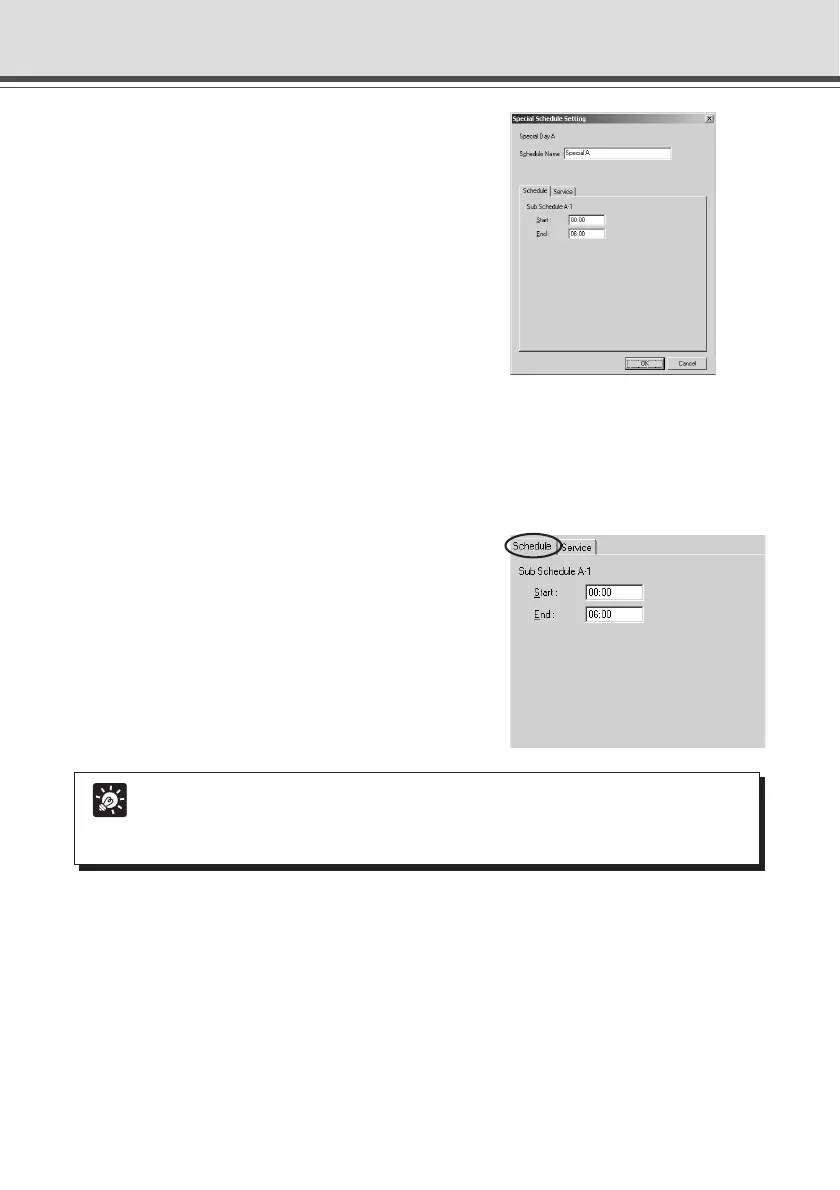
3. Double-click the sub-schedule track.
The Special Schedule Settings dialog box appears.
Enter settings for the schedule.
4. Enter the name of the Special Day Schedule.
You can enter a maximum of 15 characters for the Special Day Schedule.
The schedule name you enter here is the name for the Special Day schedule (A–D), which is
different from the Sub-schedule name. You cannot set a name for a Sub-schedule.
5. Display the Schedule tab and enter settings
for start and end times of the schedule.
Tip
● Enter a schedule between 0:00 and 24:00. However, be sure to enter an end time
which is later than the start time.
● You cannot enter 24:00 as a start time.
Schedule Setting Tool



 To Next Page