4-31
VB Administration Tools
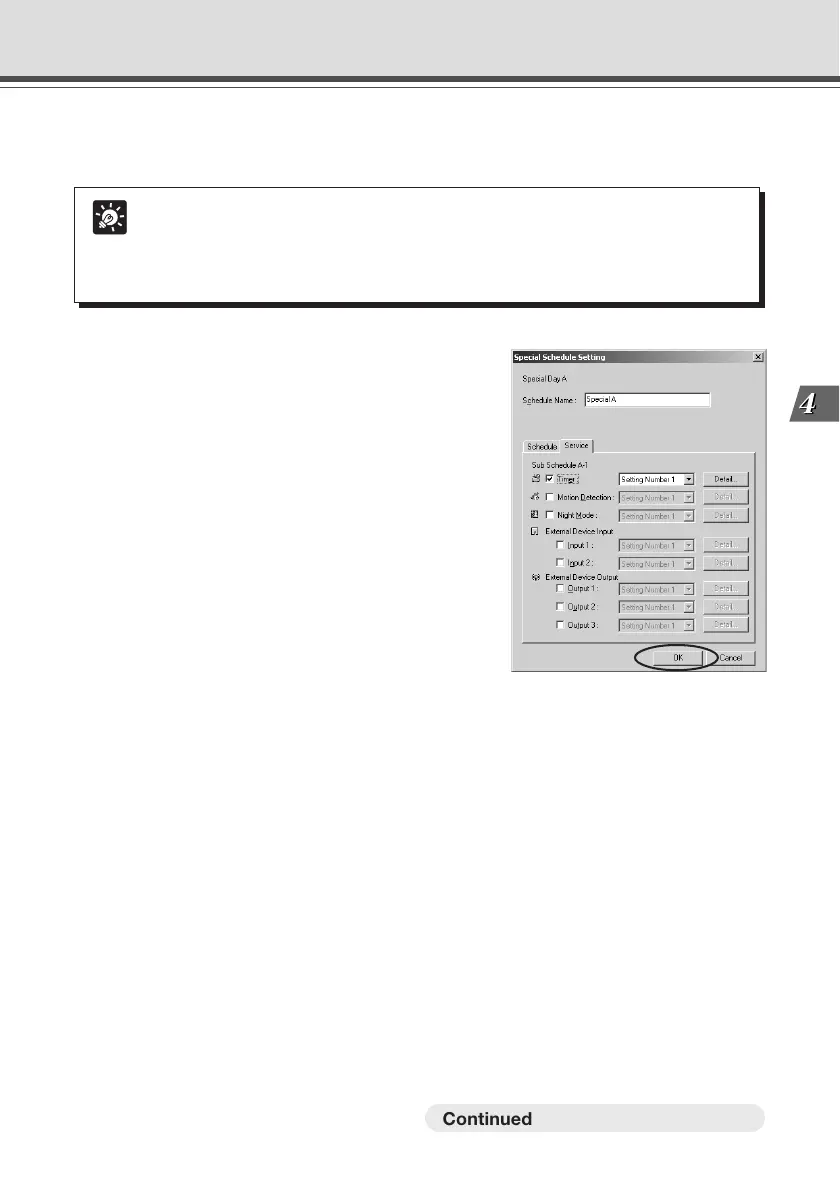
6. Display the Service tab and enter settings for the services.
For more information about the services you can set, please see page 4-31.
Tip
● The Service Setting screen can also be displayed by clicking a button on the toolbar
for each service.
● A setting number entered from the Service Setting tab in the Schedule Setting
screen cannot be changed in each Service Setting screen.
Schedule Setting Tool
7. When you have completed setting the sub-
schedule tracks, click “OK” button.
If you want to set two or more special days, select
another special day from the Special Day selection
box, and make settings in the same way.
○○○○○○○○○
Continued on the following page. a



 To Next Page