2-3
Setting Up
Setup Workflow
twork
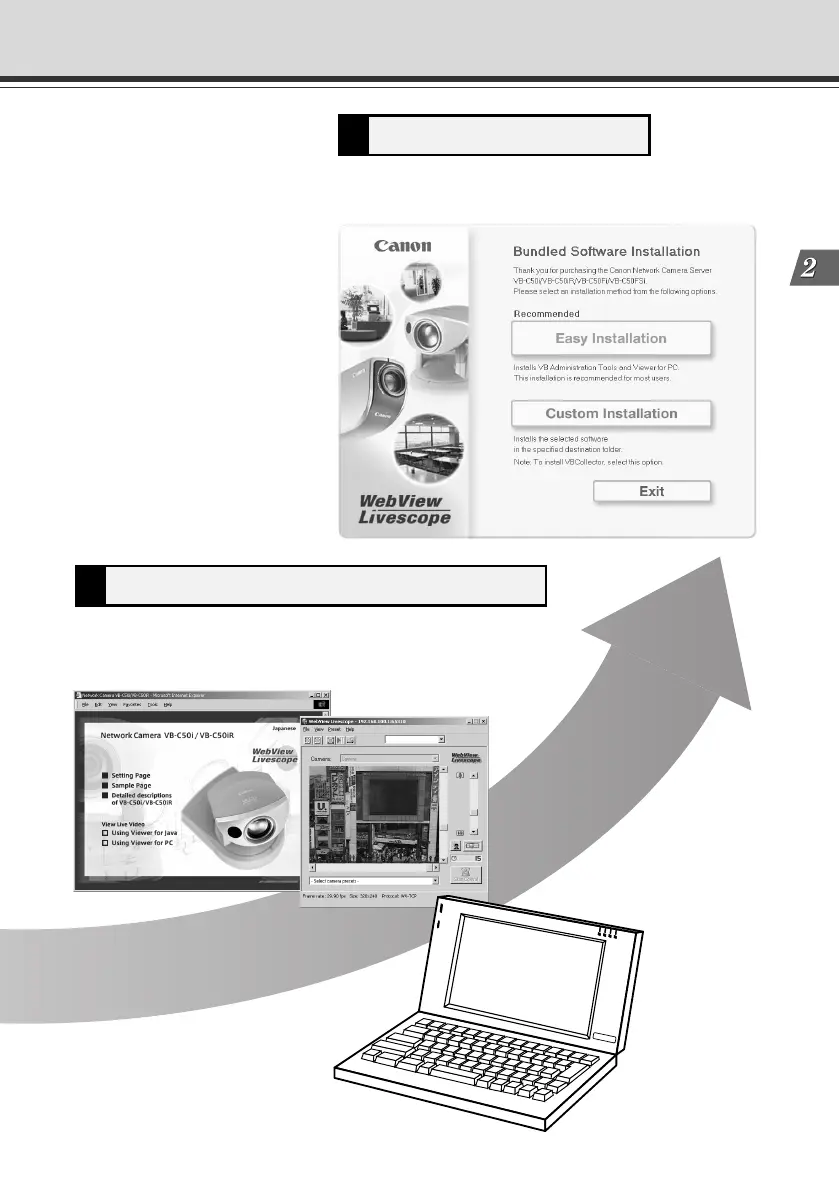
Install the software5
Check operation of the camera4
Access the device with your PC, then display to check the image
from the top page of the camera server (→ P.2-10).
Install the required software in advance for operating the
camera (→ P.2-11).
002-VBC50i-E-US 06.7.6, 11:33 AM3



 To Next Page