140
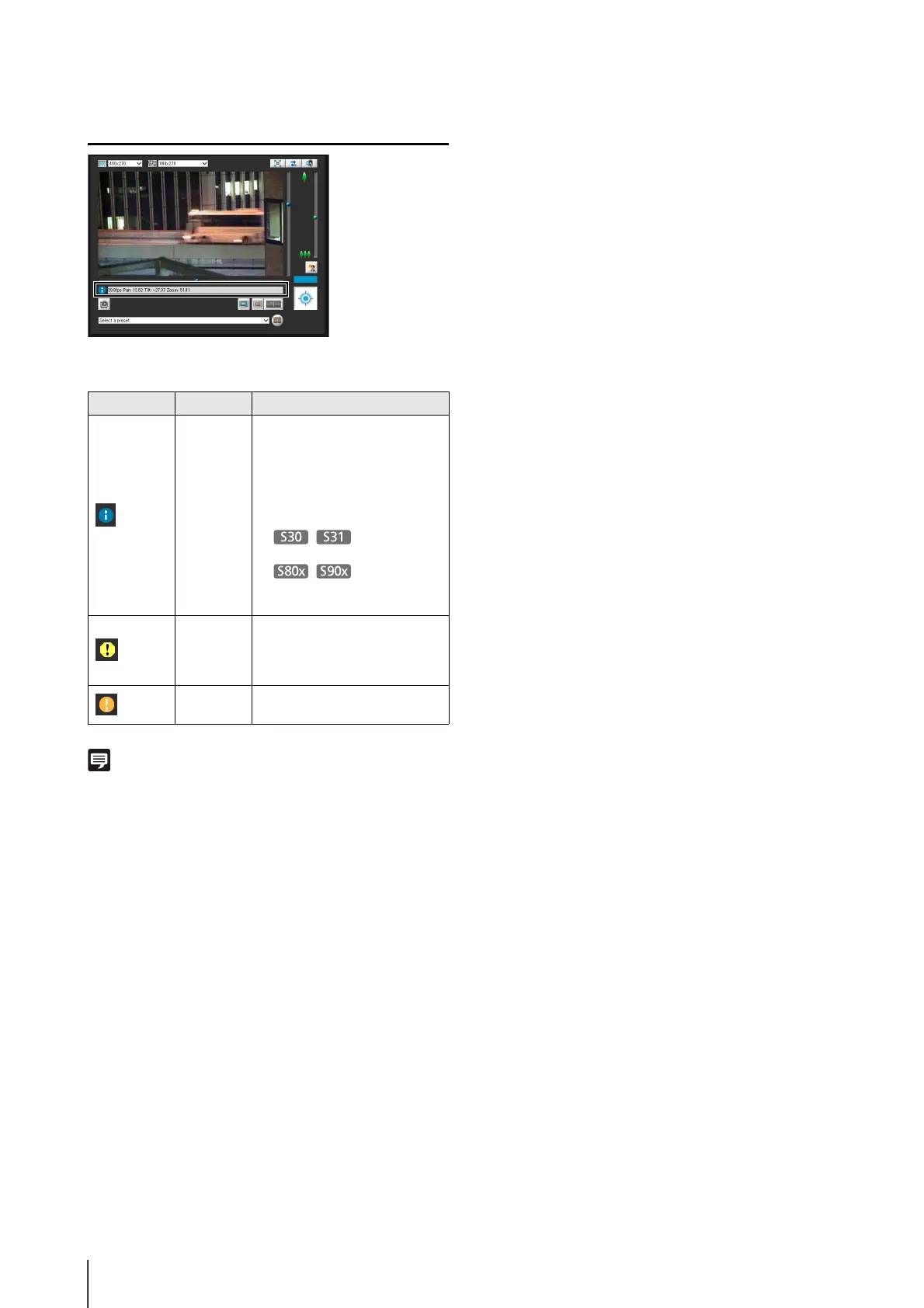
Checking Information
The following icons will appear depending on the content
of the information displayed.
Note
For details on the messages, see “List of Viewer Messages”
(p. 165).
Icon (color) Meaning Description
(Blue) Information
Appears when a camera
operation has been successful.
The following information
appears.
• Help messages, such for each
button and pull down menu
• Frame rate information
• Pan, tilt, zoom
camera information
• Pan, tilt, and
zoom information for Digital
PTZ
(Yellow) Warning
A message will appear notifying
the user when camera control
privileges cannot be obtained,
audio reception stops, etc.
(Orange) Error
Appears when a system error
occurs.



 To Next Page