30
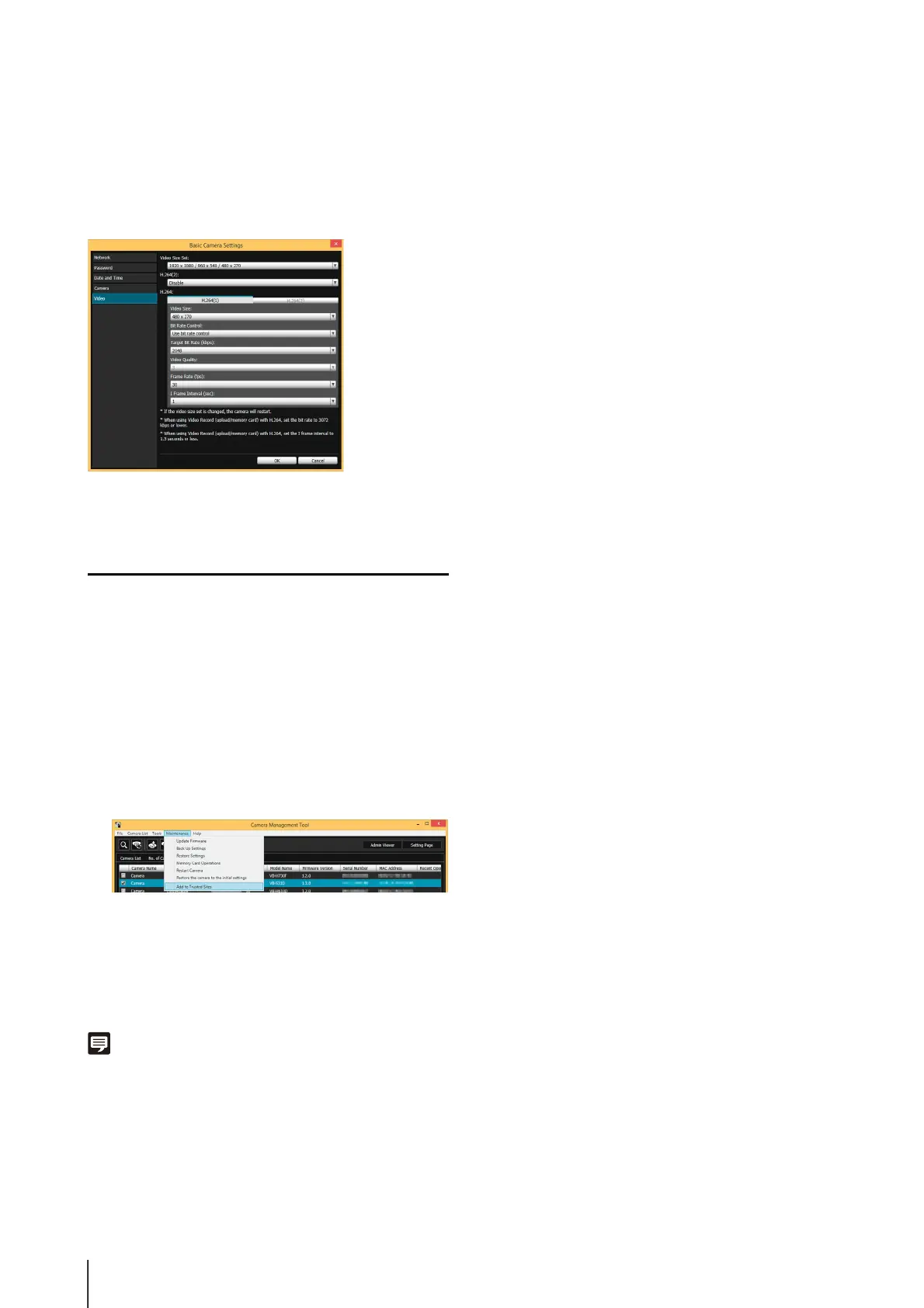
Video Settings
Click [Video] and configure the size and quality settings of
the video transmitted from the camera.
For setting details, please refer to “[Video] Setting Video
Size, Quality and Frame Rate” (p. 50).
Registering Camera’s IP Address to
Trusted Sites
With Internet Explorer 9 or greater and Windows Server
2008/Windows Server 2012, Internet Explorer’s security
level for Internet and intranet sites is set to [High] by
default.
As a result, it may be necessary to register the camera’s
IP address as a trusted site to access the Admin Viewer/
VB Viewer, Setting Page or Admin Tools.
A confirmation message appears.
The camera will be registered as a trusted site for
Internet Explorer.
Note
The registered information will be loaded when Internet Explorer
is restarted. Close and restart Internet Explorer if it is running.
1
Select a camera from the camera list.
2
Click [Maintenance] menu > [Add to Trusted Sites].
3
Click [Yes].



 To Next Page