[Server] Setting the Video Server, Audio Server, HTTP Server, FTP Server and WS-Security
59
Setting Page
3
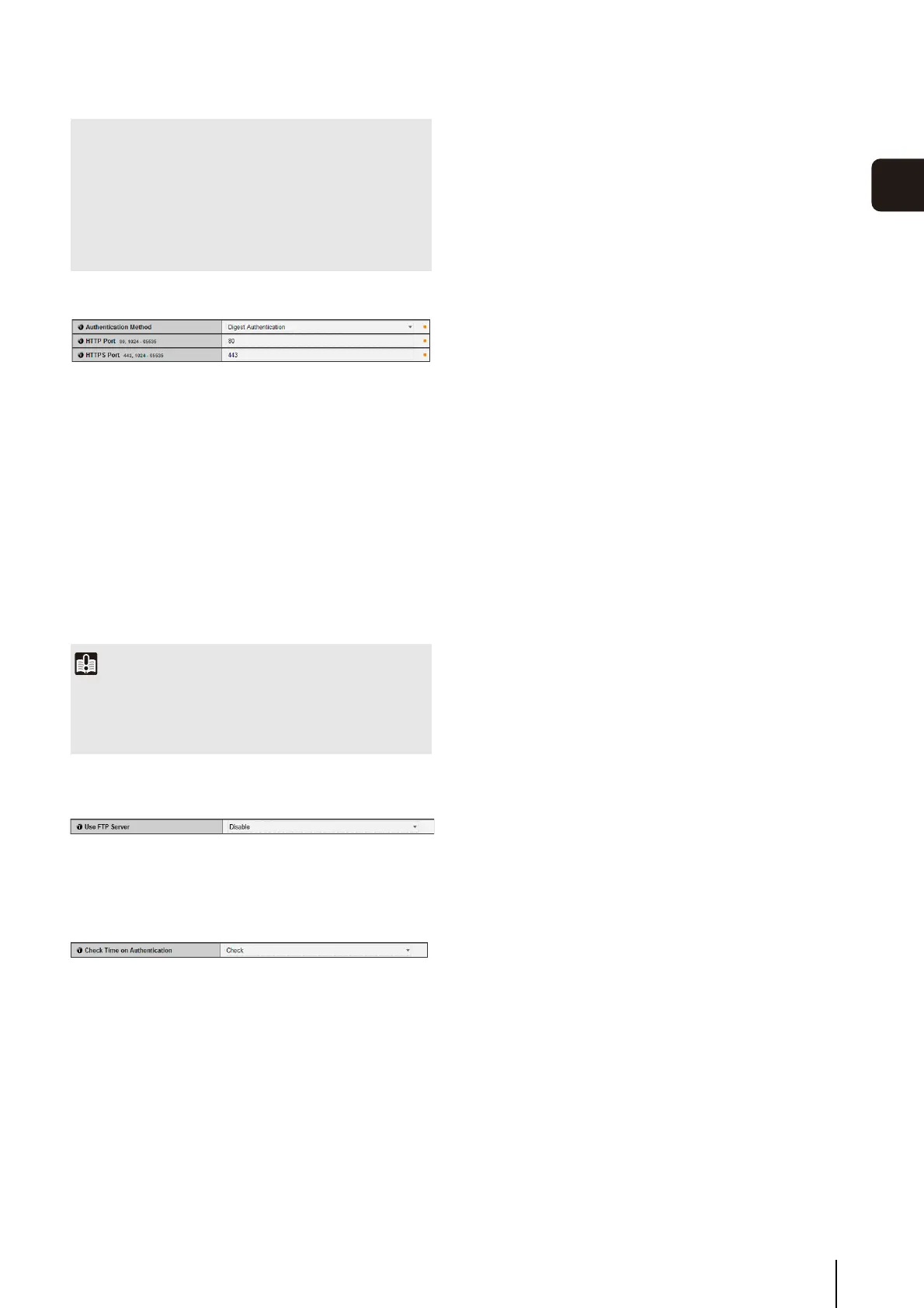
HTTP Server
(1) [Authentication Method]
Set the authentication method used with the HTTP
server to [Basic Authentication] or [Digest
Authentication].
(2) [HTTP Port]
Set the HTTP port number to 80 or in the range of
1024 to 65535.
Normally [80] (factory default setting) is used.
(3) [HTTPS Port]
Set the HTTPS port number to 443 or in the range of
1024 to 65535.
Normally [443] (factory default setting) is used.
FTP Server
(1) [Use FTP Server]
Set FTP Server to [Disable] or [Enable].
WS-Security
(1) [Check Time on Authentication]
Select whether to check the time information in data
sent from the client by selecting [Check] or [Do not
check].
• The audio may be temporarily interrupted, depending on the
performance of the computer and the network environment.
• The audio may be interrupted if anti-virus software is
enabled.
• Communication may be temporarily interrupted, cutting off
the audio, if the LAN cable is unplugged and plugged in
again. If this occurs, reconnect from the Viewer.
Important
If the setting of [HTTP Port] or [HTTPS Port] is changed, the
camera may become inaccessible from the active web
browser. Check beforehand the precautions in “Important” in
“[Reboot Item] Setting Items Requiring Rebooting” (p. 76).



 To Next Page