141
Creating and Registering Captions
3
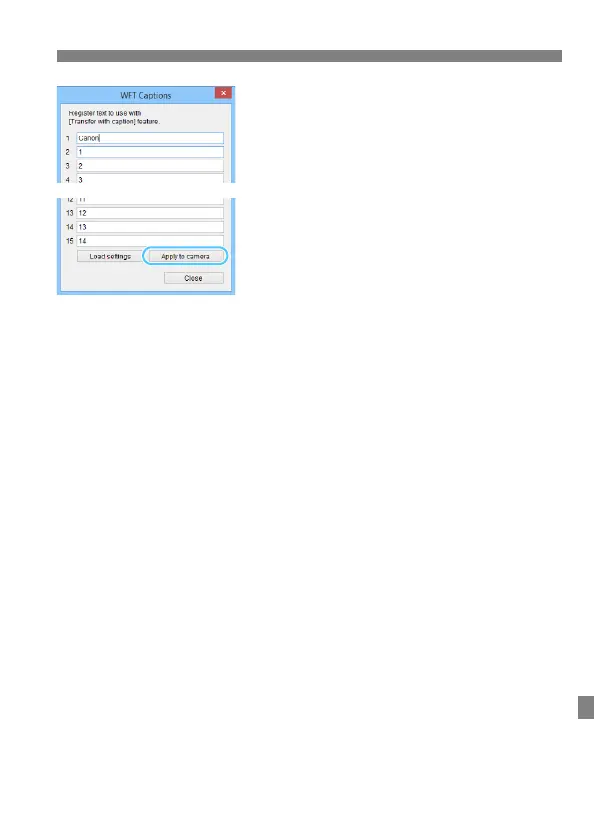
Enter the caption or captions.
Enter up to 31 characters (in ASCII
format).
To acquire caption data stored in the
camera, select [Load settings].
4
Register the captions on the
camera.
Select [Apply to camera] to register
your new captions on the camera.



 To Next Page