140
Follow these steps to create captions and register them on the camera,
as introduced in “Adding a Caption Before Transfer” (p.52). When
creating and registering captions, use a computer on which EOS Utility
is installed.
See “Operating Remotely Using EOS Utility” on page 55 to enable
the use of EOS Utility over a LAN.
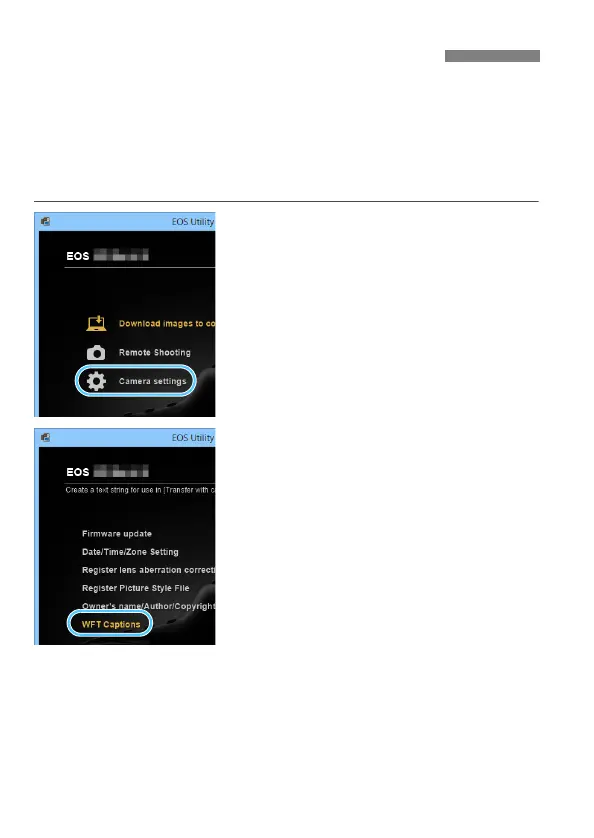
1
Start EOS Utility and select
[Camera settings].
The camera settings screen is
displayed.
2
Select [WFT Captions].
The screen for caption creation is
displayed.
Creating and Registering Captions



 To Next Page