50
Batch Transfer
Sel.n
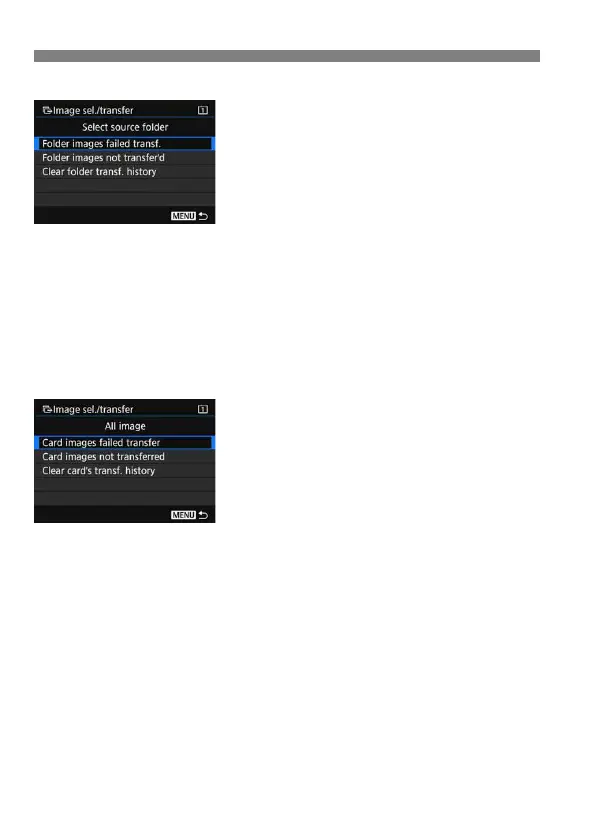
Select [Sel.n] and select [Folder
images not transfer’d]. When you
select a folder, all the images in that
folder not yet transferred to the FTP
server will be selected.
Selecting [Folder images failed transf.] will select the selected folder’s
images that failed to transfer.
Selecting [Clear folder transf. history] will clear the transfer history of
the images in the selected folder. After clearing the transfer history, you
can select [Folder images not transfer’d] and again transfer all the
images in the folder.
All image
If [All image] is selected and you select
[Card images not transferred], all the
images on the card not yet transferred to
the FTP server will be selected.
For a description of [Card images failed
transfer] and [Clear card’s transf.
history], see “Sel.n” above.



 To Next Page