73
Shooting Remotely [Simple control]
2
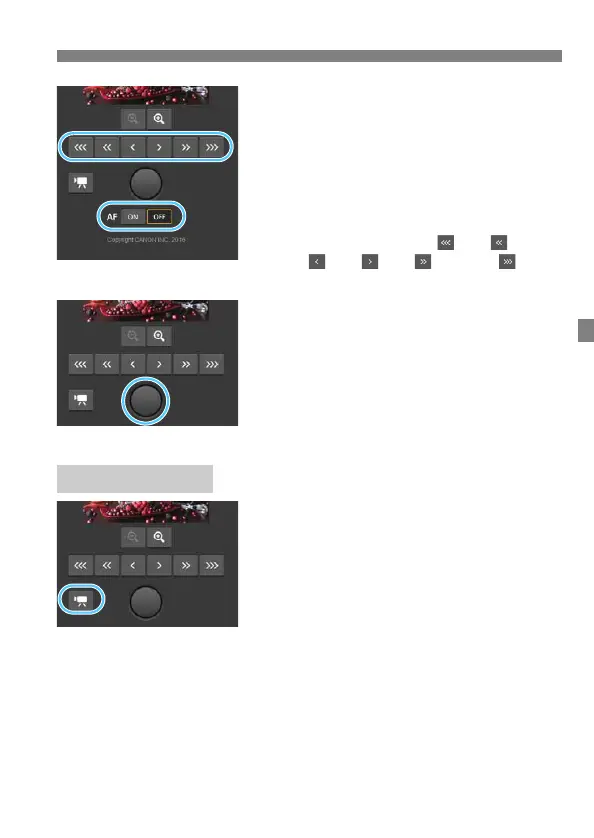
Adjust the focus.
Set the lens’s focus mode switch to
<f>.
Using autofocus
Press [ON] on the AF button to
autofocus.
Focusing manually
Press the buttons < >, < >,
< >, < >, < >, and < > to
adjust the focus.
3
Take the picture.
Press the Shutter button. When you let
go of the button, the picture is taken.
The captured image is displayed.
Captured images are stored on the
camera’s card.
To download images, see “Viewing
Images” (p.65).
Press the [z] or [k] button to
switch between the still photo
shooting screen and movie
shooting screen.
The setting procedures are the same
as still photo shooting.
Press the Shutter button. When you
let go of the button, movie shooting
will start.
During movie shooting, the red [o]
on the Shutter button changes to a
white [n].
Press the Shutter button again. When
you let go of the button, movie
shooting will stop.
Shooting Movies



 To Next Page