99
Synchronizing the Time
5
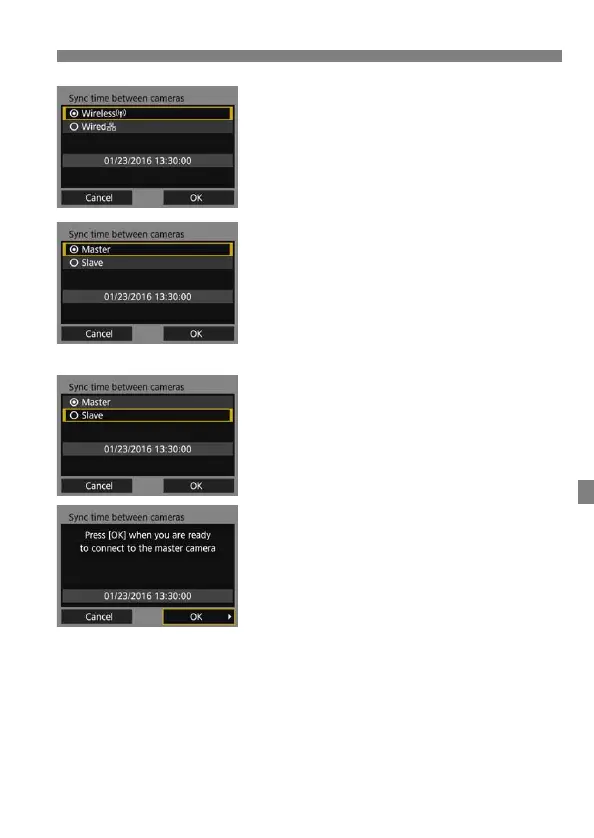
Select [Wireless].
Select [OK] and press <0> to go to
the next screen.
6
Set up the master camera.
Select [Master], then press <0>.
Select [OK] and press <0> to go to
the next screen.
When the next screen is displayed,
the master camera is ready. Go to
step 7 to set up the slave cameras.
7
Set up the slave cameras.
After configuring the slave camera
settings following steps 1 to 5 on the
preceding page, select [Slave].
Select [OK] and press <0> to go to
the next screen.
Select [OK] on the displayed screen.
To set the time on multiple slave
cameras, follow these steps on all
slave cameras.
On the master camera’s LCD monitor,
the number of slave cameras
detected is displayed.



 To Next Page