3
45
English
CONNECTION VIA BLUETOOTH
®
WIRELESS TECHNOLOGY
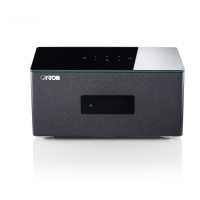
You can conveniently connect the Smart Connect 5.1 to your (mobile) device
via Bluetooth
®
wireless technology. Please proceed as follows:
Establish connection via Bluetooth
®
wireless technology
1
Select the Bluetooth
®
input [BT] by (repeatedly) pressing the input button
„
“.
2
Start the search on your (mobile) device.
3
Select Smart Connect 5.1xxx as playback device.
Note:
• If you have assigned a name to the Smart Connect 5.1 during the network
setup (e.g. living room), this name is also displayed here.
4
The connection is established automatically or after confi rmation and the
message [BT-] followed by [CON] appears on the display of the Smart
Connect 5.1.
5
Start playback of a track on your (mobile) device and the sound is automati-
cally output via the connected speakers.
6
If the connection has failed, you receive the message [FAI].
7
If the (mobile) device requires a code, enter 0000.
8
If [BT-] and [DIS] appears on the display, your (mobile) device is out of
range or logged out.


 To Next Page
 Loading...