User Manual
Page 23 of 95
Chapter 4
Instructions for use
This chapter describes how to use the CAPENERGY devices and the
menu system that allows selecting and performing various treatments.
4.1. MENU SYSTEM
The user interface is organized in a menu system that allows managing the device’s
configuration and working mode and accessing the information screens.
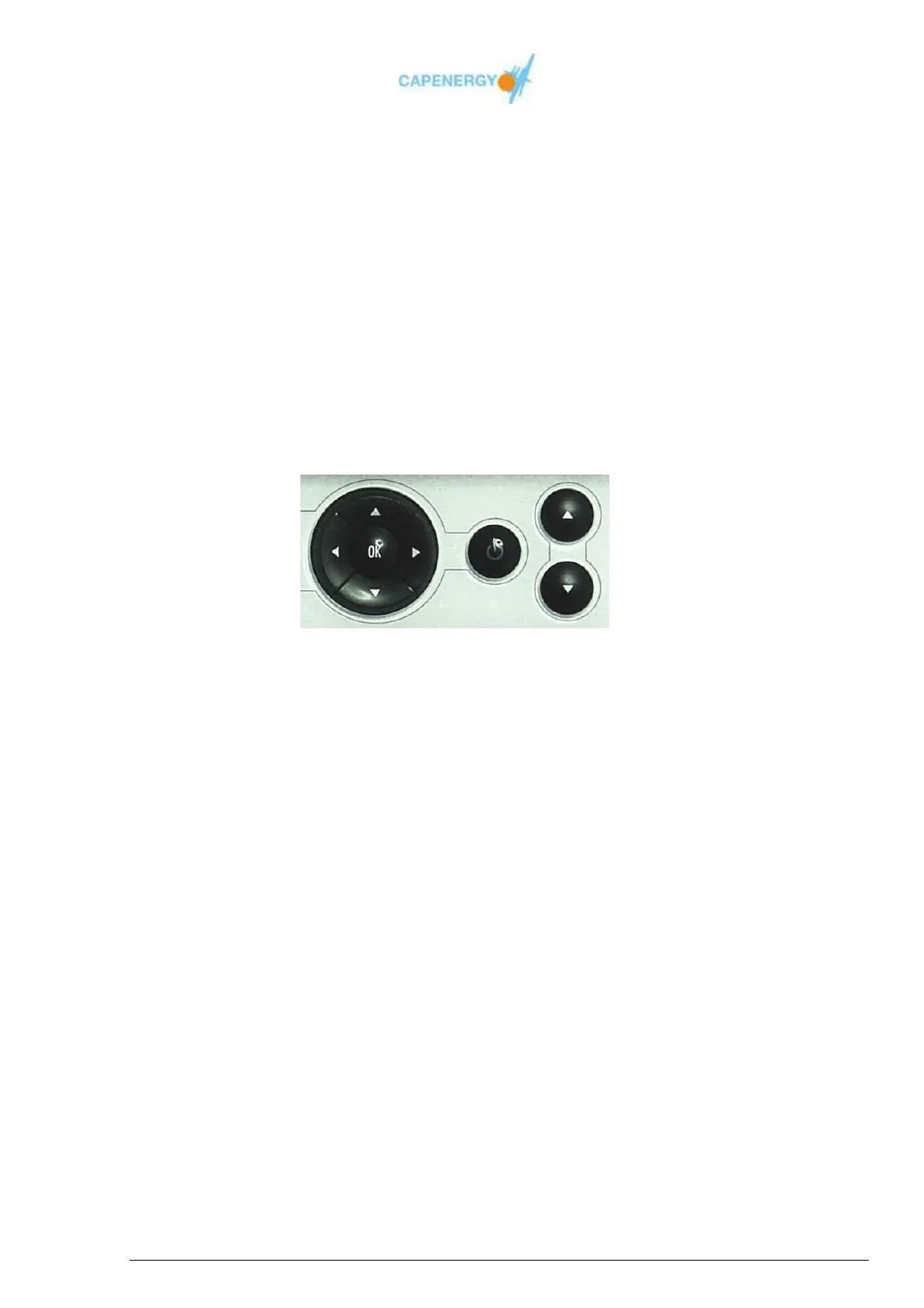
The navigation buttons and OK button of the screen keyboard, allows surfing through the
different menu options and selecting the desired one.
The following options are available:
Basic mode
Free treatment
Guided treatment
Information
Configuration
The figure shows the flow diagram of the complete system menu.



 To Next Page