User Manual
Page 38 of 95
4.6 - INFORMATION
This menu option gives access to points of interest for the user.
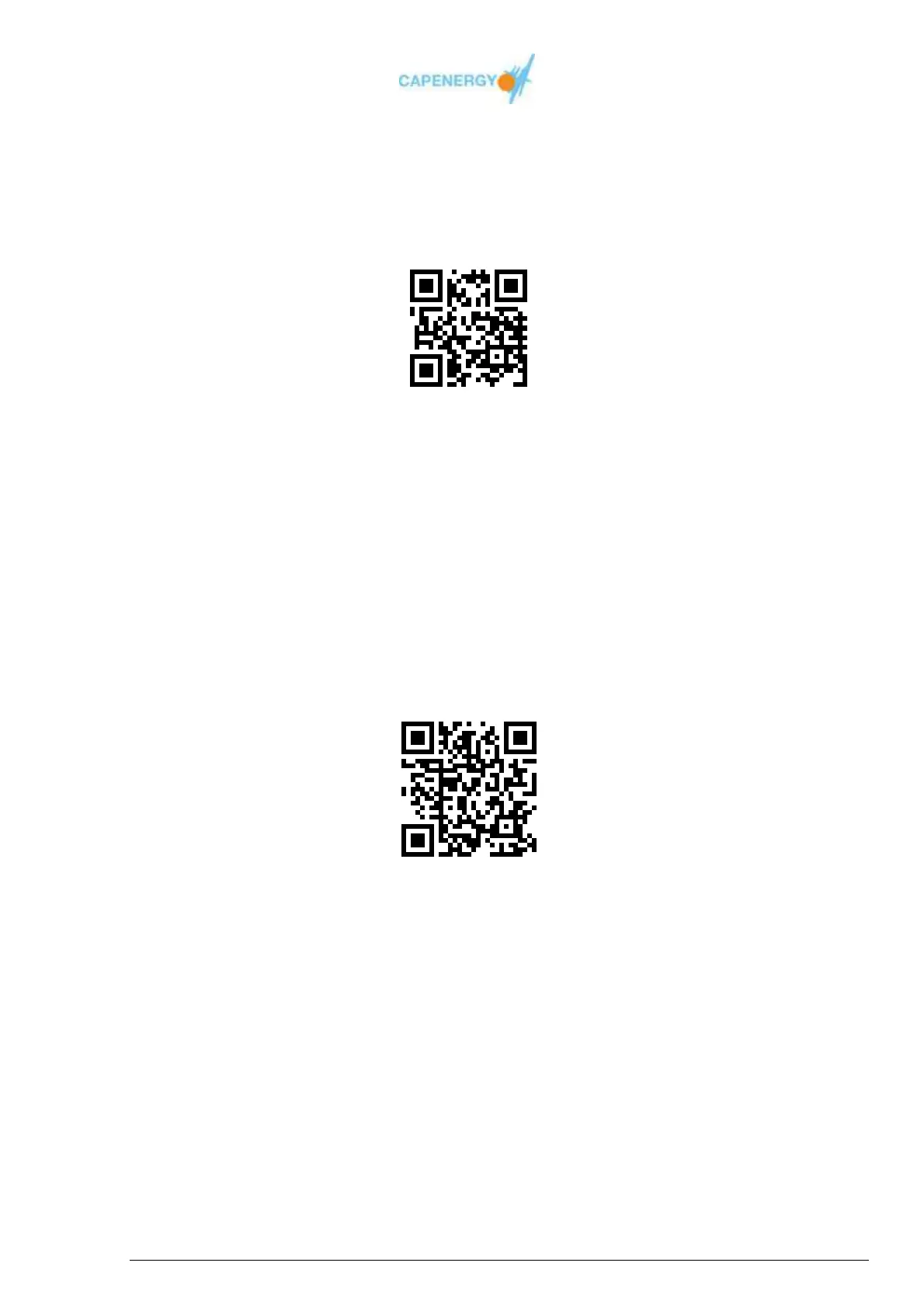
The information screen also displays a QR code through which the manufacturer’s
website can be accessed.
Figure 4.7.QR code .
The available menu options are:
Counter-indications:
Information screen with a list of counter-indications for using the device.
Maintenance:
Information screen with a list of maintenance operations.
This option also displays a QR code through which the manufacturer’s
website can be accessed for further information on technical assistance.
Figure 4.8. QR code
4.7.- SWITCHING OFF THE DEVICE
Before switching off the device with the on/off switch located at the back panel, the
operator must be make sure the device is not in WORKING mode.



 To Next Page