User Manual
Page 32 of 95
STATUS ICON DESCRIPTION
STANDBY
The outputs are deactivated.
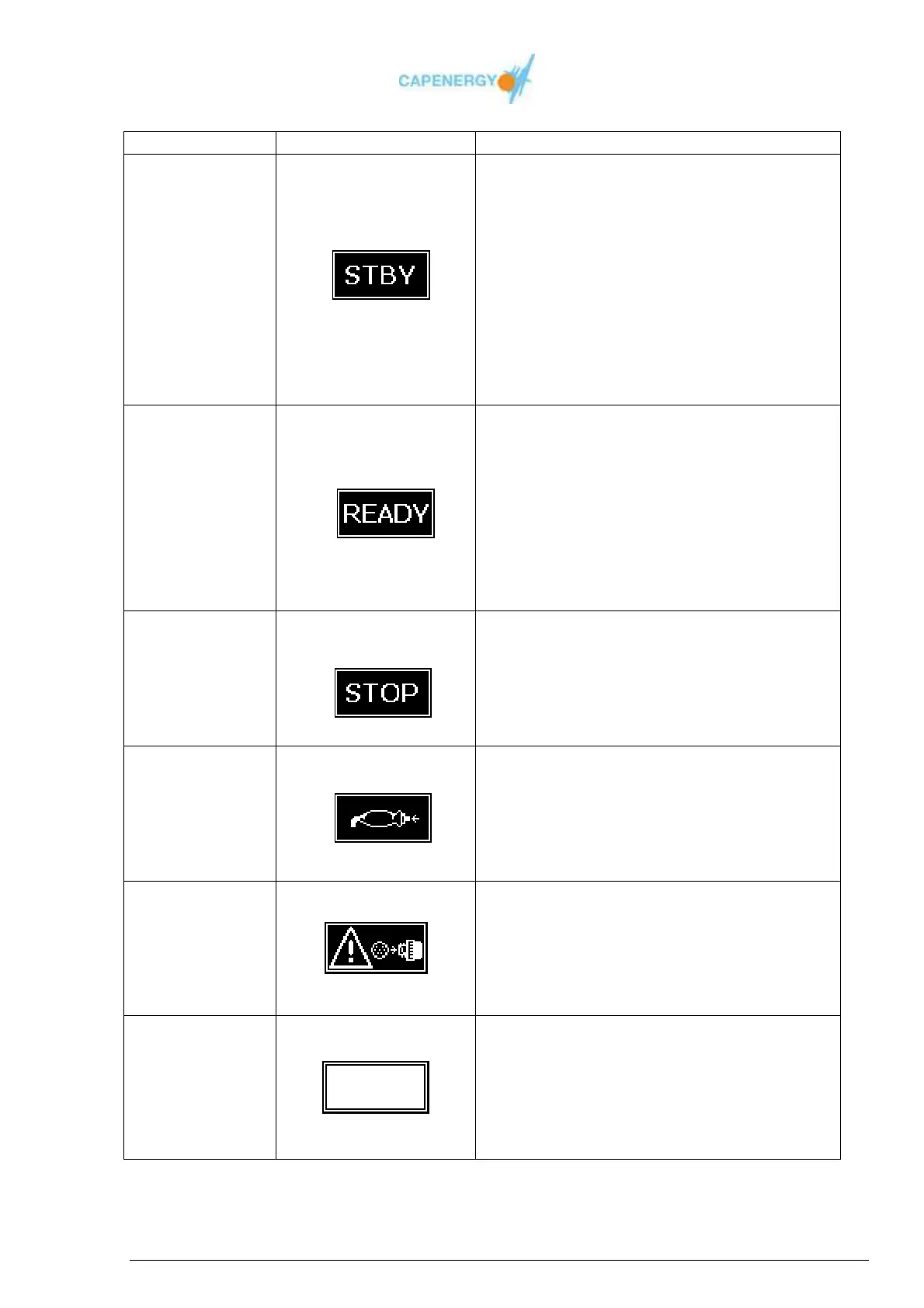
STBY GRAPHIC
Allows:
Modification of the chosen total treatment
time.
Modification of the power or temperature
configuration of the disabled channels.
Procedure:
Press the button WORKING / STANDBY to
change to WORKING status.
Press the OK button to return to the main
menu.
WORKING
The output are activated.
READY graphic
Allows :
Modification of the disabled total treatment
time.
Modification of the enabled power or
temperature.
Procedure :
Press WORKING/STANDBY button to change
to STANDBY.
COMPLETED
TIME
Treatment time has been completed
STOP Graphic
Warning finalized treatment time
The outputs have been deactivated
Procedure:
Press OK to go back to STANDBY
ACTIVE
SAFETY
CONTROL
Safety control has been activated.
SAFETY CONTROL graphic
The outputs have been deactivated
Procedure :
Press the OK button to return to the
STANDBY status.
UNALLOWED
CHANGE OF
ACCESSORY
Some accessories are wrongly connected
WARNING graphic
While the device is WORKING, an accessory
has been connected or disconnected.
Procedure :
Press the OK button to go to STANDBY.
NO
ACCESSORIES
No valid combination of accessories connected to
the device
EMPTY SQUARE graphic
Procedure:
When connecting a valid combination of
accessories, the device will go in STANDBY
mode.
Table 4.2. FREE TREATMENT statuses



 To Next Page