User Manual
Page 35 of 95
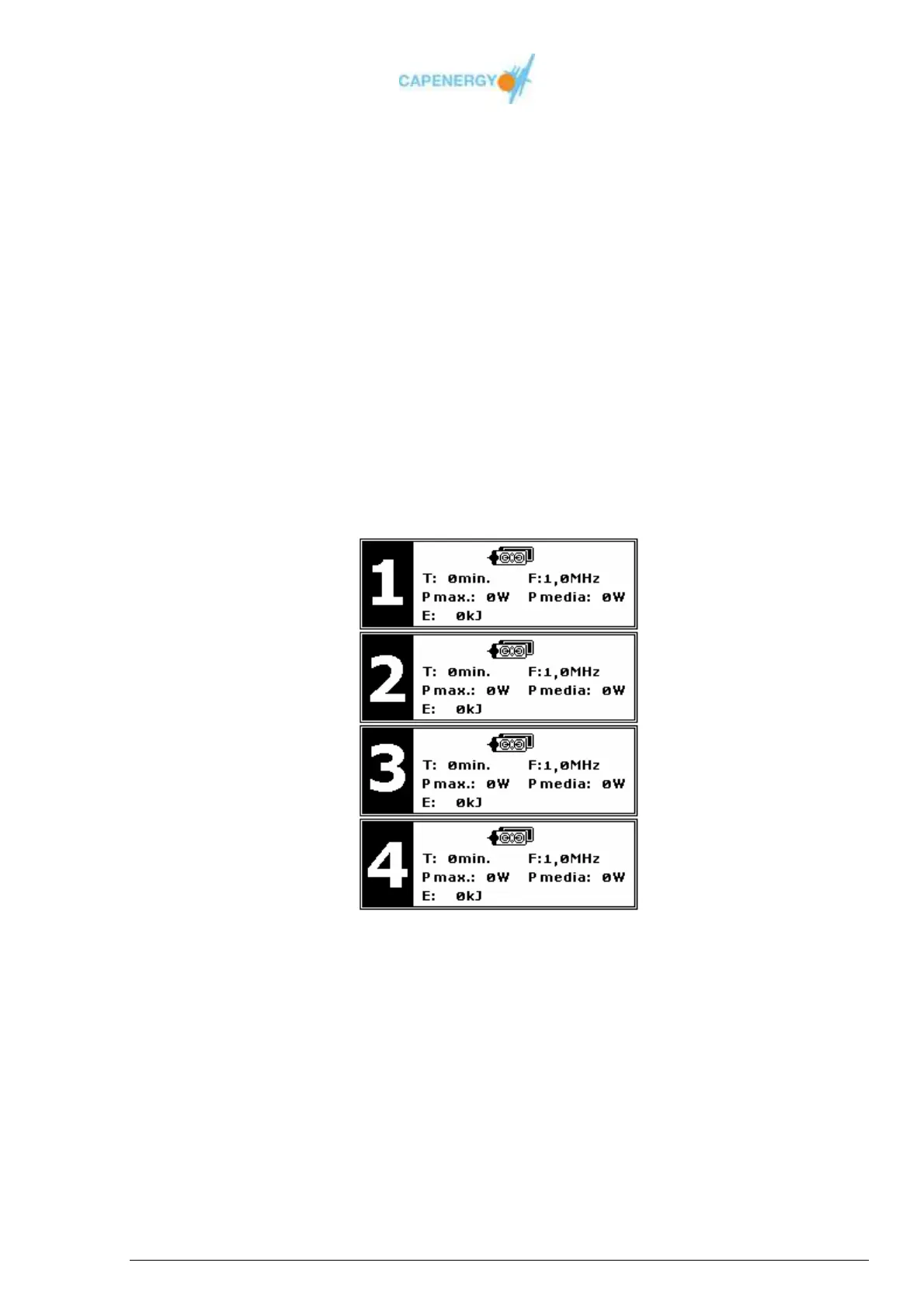
FREE TREATMENT SUMMARY screen
When pressing the button OK after the treatment has come to an end, a SUMMARY
screen will pop up, displaying an overview of the parameters of the treatment that was
performed.
For each channel, the following information will appear:
Connected accessories.
Treatment temperature.
Working frequency of the channel.
Maximum instantaneous power output during the treatment.
Average power output during the treatment.
Total of energy delivered during the treatment.
Figure 4.6. FREE TREATMENT SUMMARY screen.



 To Next Page