User Manual
Page 61 of 95
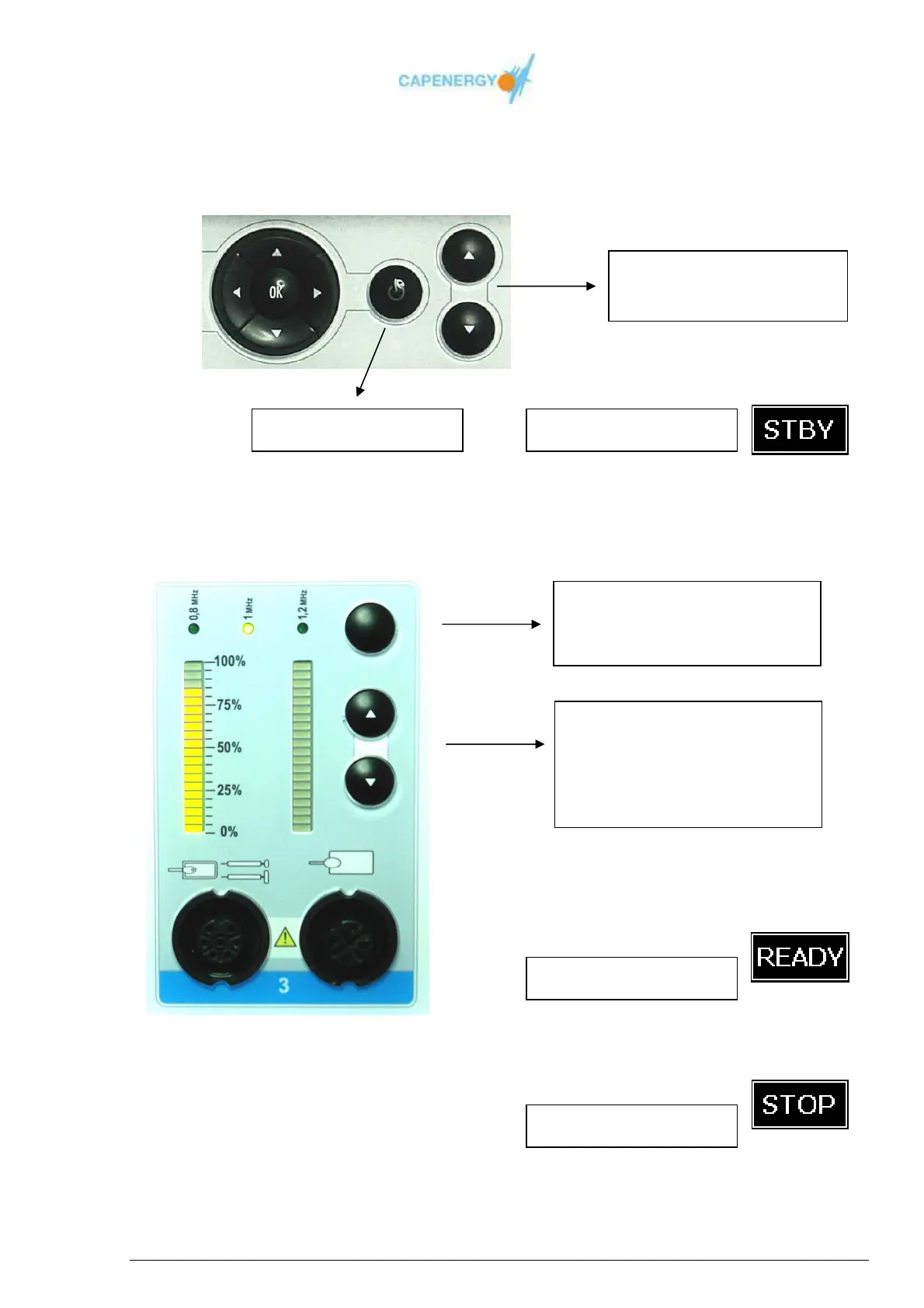
3. To start the treatment, push the START/STOP button, after establishing the
estimated treatment time.
4. The power has to be regulated in such a way the client perceives the generated heat
as pleasant and the frequency adjusted according to the area or pathology to be
treated.
5. At the end of the treatment an acoustic signal will be heard and on the screen the
word STOP will appear:
Start/stop button
Increase / Decrease of the
treatment duration
Frequency may vary throughout
the treatment.
Each Output is independent
The power has to be adapted
manually in such a way the
client perceives the generated
heat as pleasant.
Screen indicator
Screen indicator
Screen indicator



 To Next Page