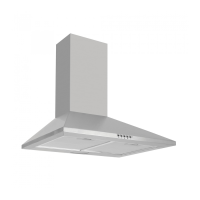
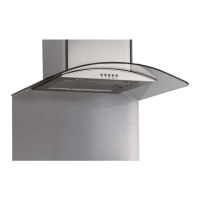
Instruction manual OM600 OM900 11
Please keep this instruction manual for future reference
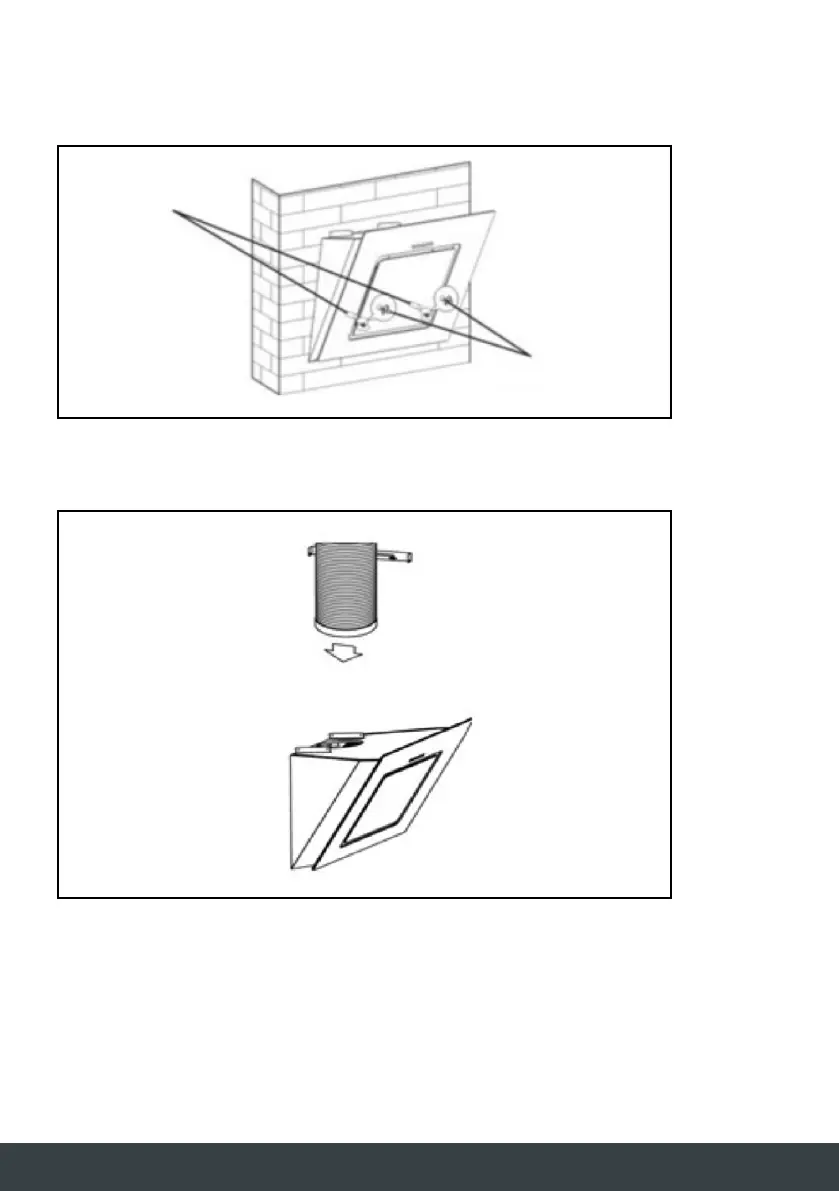
After hanging the hood on the bracket, remove the grease filters, mark 2 holes inside the hood for
safety screws. After marking, remove the hood, drill two holes and insert 2 wall plugs and finally
fix the safety screws with 2 screws (ST4x30mm).
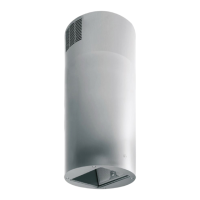
Place the plastic duct on the cooker hood outlet.
Wall plugs
Screws
(ST4 x 30mm)


 To Next Page