39
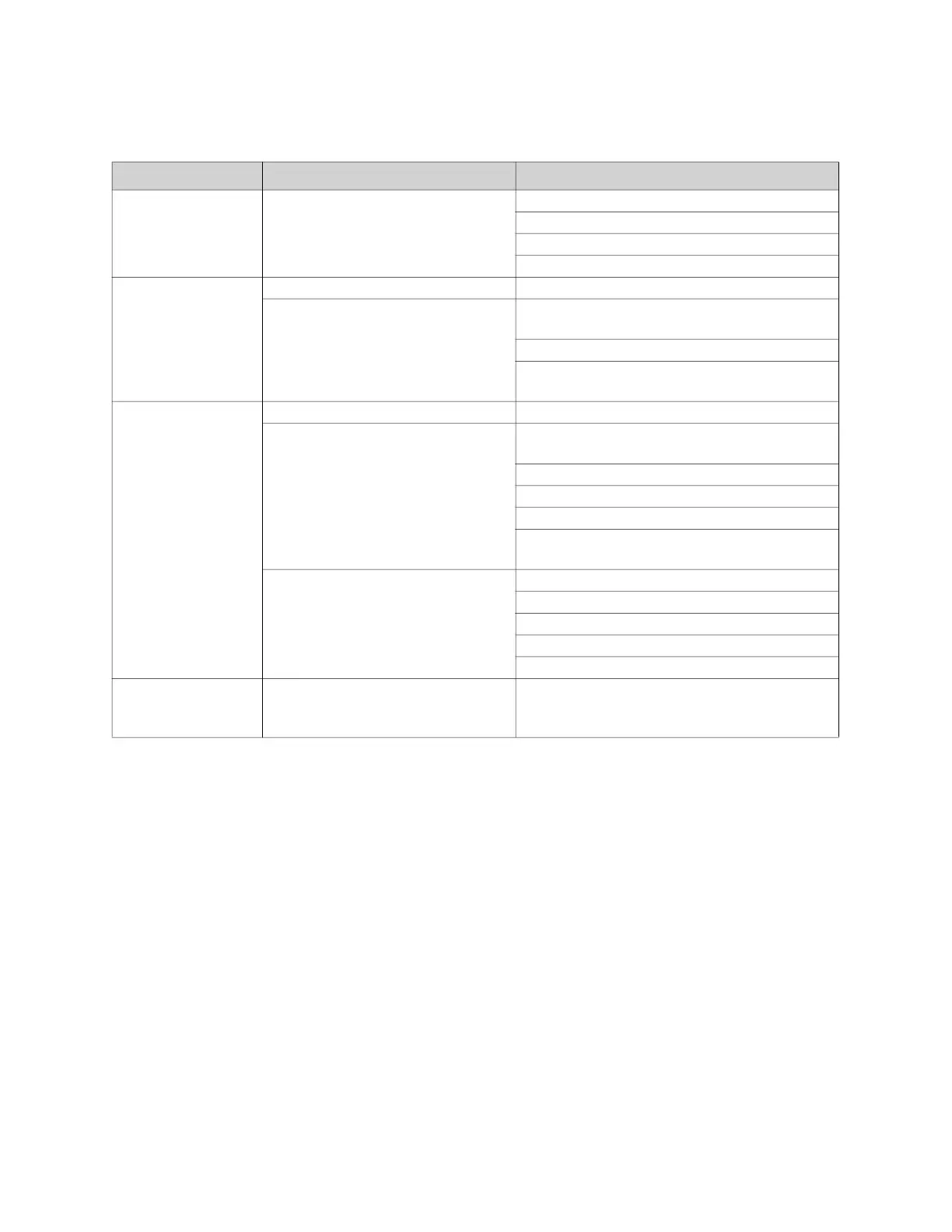
Remote Panel Troubleshooting Chart
Table 10 - Troubleshooting Chart
Light Indication Condition Possible Cause
No Lights Power not available to remote panel Incorrect voltage to unit.
Main disconnect switch in “OFF” position.
Circuit breaker tripped.
Faulty main transformer.
Power Light Only Proper unit - Off operation No correction required.
No power to motor starter Manual/Off/Auto switch in “Off” position (3
position remote panels only).
Improper damper function.
Low temperature thermostat timed out
(optional).
Power Light and
Blower On Light
Proper ventilation operation No correction required.
No power to flame safety controller Manual/Off/Auto switch in “Off” position (2
position remote panels only).
Heat/vent switch in “Vent” position.
Gas pressure switch tripped (option).
High temperature limit thermostat tripped
Manual/Off/Auto switch in “Auto” position and
intake air thermostat not satisfied.
Improper Airflow Excessive airflow.
Faulty airflow switch.
Issue with air probes and/or tubing
Broken belt.
Dirty air filters. Replace as needed.
Power Light, Blower
On Light, and Burner
On Light
Proper heating operation No correction required.


 To Next Page