14 docs.carbide3d.com support@carbide3d.com 15
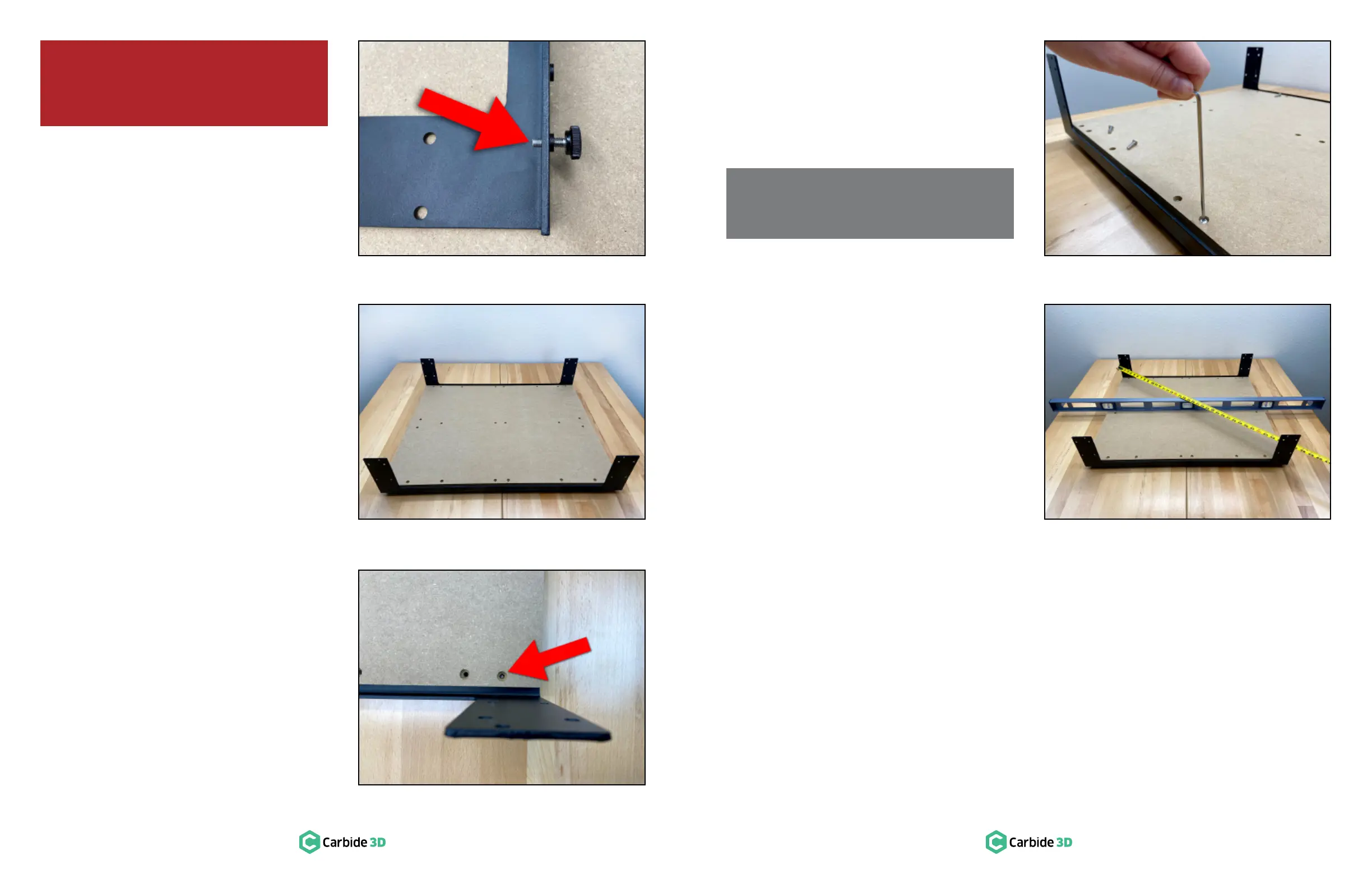
Attach the Adjustable
Leveling Feet
1.
into the outermost PEM nuts at either end of
each endplate. Screw in until there is an equal
″. See Figure2‑4.
Attach the MDF Baseplate
to Front and Rear
Endplates
1.
workspace with the countersunk holes facing
up and the longer sides toward the front and
rear. See Figure2‑5.
2.
into place along the front and rear edges of
the baseplate. The protruding threads of the
screw holes from the underside of the
baseplate. See Figure2‑5 and 2‑6.
3.
M5×25mm button head cap screws to secure
Figure2‑7.
4. Turn the screws until they stop but do not fully
tighten.
Level the Baseframe
Assembly
1.
diagonally. See Figure2‑8.
2.
measuring diagonally across the baseframe
from the outside edges of the endplates. Check
both sides. The machine is square when the
two measurements are equal. Approximates
are acceptable at this stage as the machine is
completed in Step 9: Level and Square.
NOTE: We’ll come back and tighten all of the
baseframe screws later on when squaring
the machine.
WARNING: Do not assemble the Shapeoko
3 on the oor; a large workbench is essential.
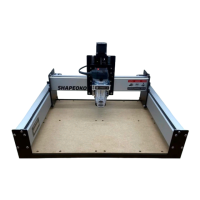
The completed dimensions of the Shapeoko 3
are 28.5″ (X) × 24″ (Y) × 17.5″ (Z).
Figure2-5
Figure2-6
Figure2-7Figure2-4
Figure2-8


 To Next Page