BT2 user manual - H-5911-9004-02-B Page | 59
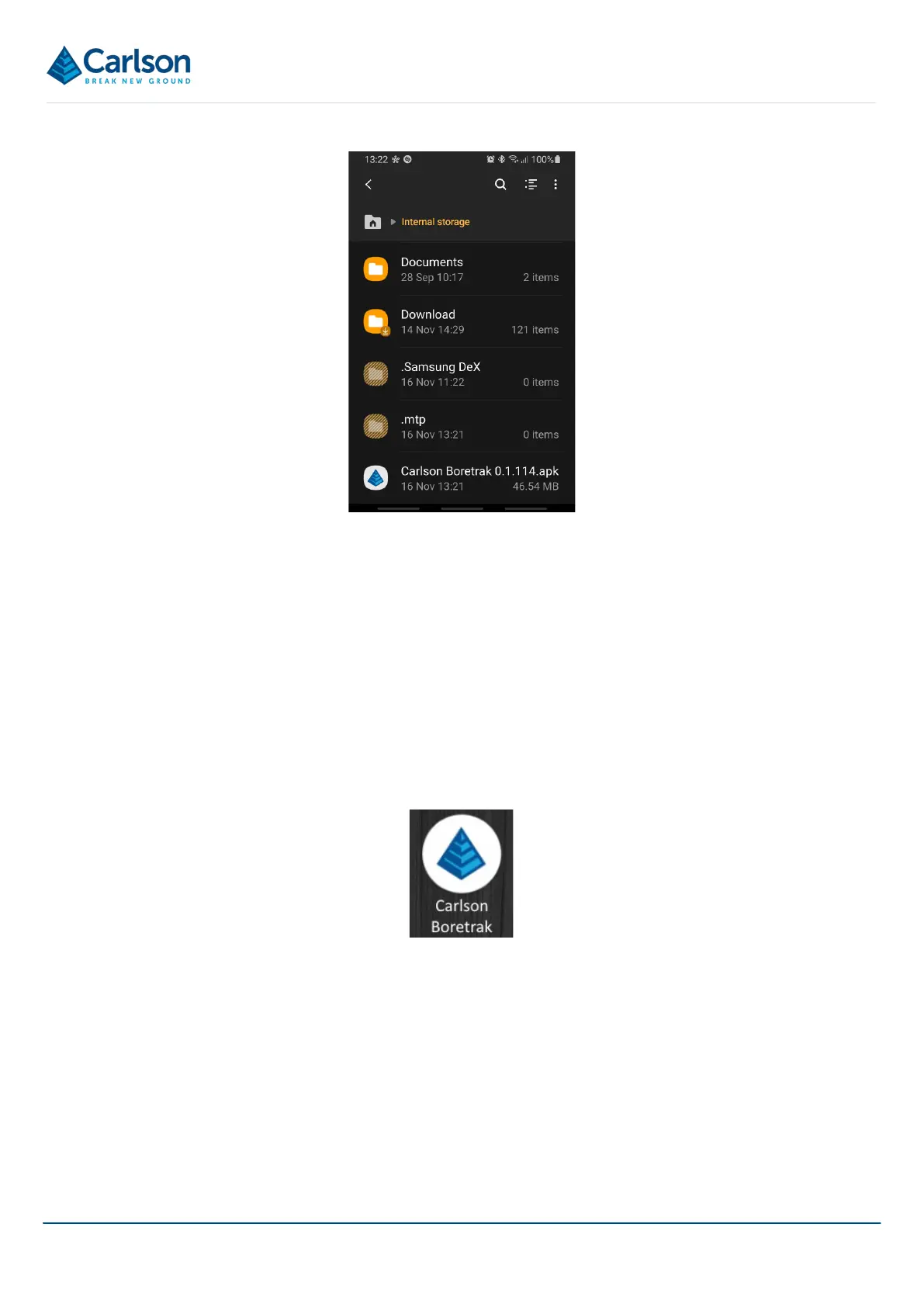
Tap the *.APK file. The app begins installing.
An Installing… message appears followed by an App Installed message.
During the installation, the installer asks: Allow Boretrak to access this device’s location?
Click Allow.
The installer asks: Allow Boretrak to access photos and media on our device?
Tap Allow.
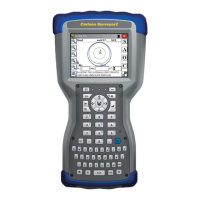
An icon is loaded onto your Home screen. Double-tap the icon to open Carlson Boretrak.
8.5 Pairing a Boretrak2 probe with the PDA
The Android device and the Boretrak2 probe communicate via a Bluetooth connection. For this connection to
operate, the device and Boretrak2 probe must be ‘paired’.
When purchased as a complete system, the Boretrak2 is supplied ready to use, with the Bluetooth connection
already established. However, if you have purchased your own device or, if you are reconfiguring a device or swapping
over a probe, you may find it necessary to establish / re-establish communications.
The Boretrak2 probe must be powered ON.
Figure 66 *.APK file in Internal storage
Figure 67 Carlson Boretrak icon



 To Next Page