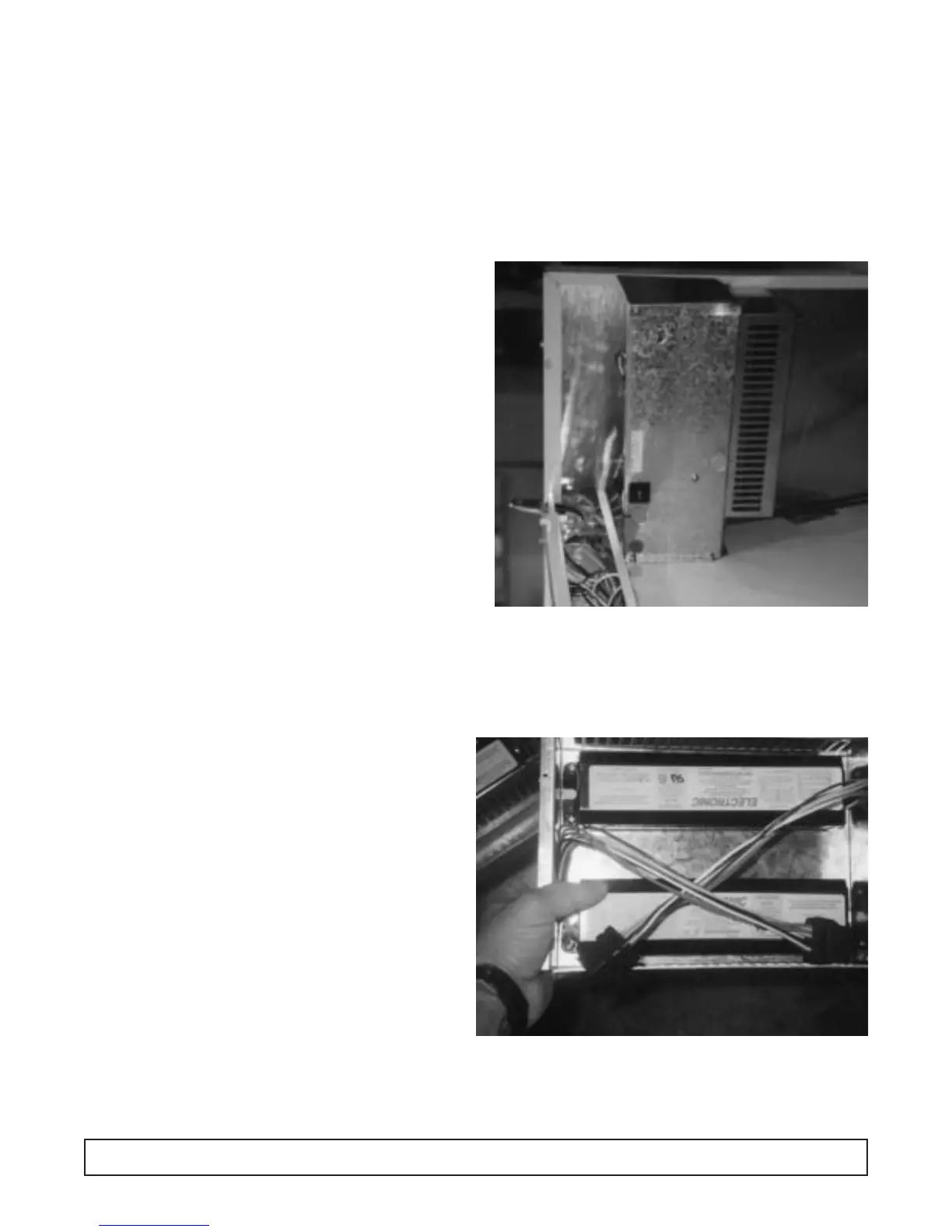
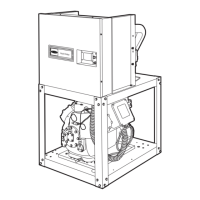
The ballast is located in the machinery compartment
(A), attached to the back of the electrical control box
(B).
1. Disconnect the power to the cabinet.
2. Remove the front panel.
3. Remove the cover panel on the electrical wiring box.
4. Disconnect the leads to the ballast.
5. Replace the ballast with correct part.
6. Replace the electrical wiring box cover panel.
7. Replace the front panel.
8. Reconnect the power to the cabinet.
BALLAST REPLACEMENT
Figure 1
Figure 2
MAINTENANCE & REPAIR 45




 To Next Page