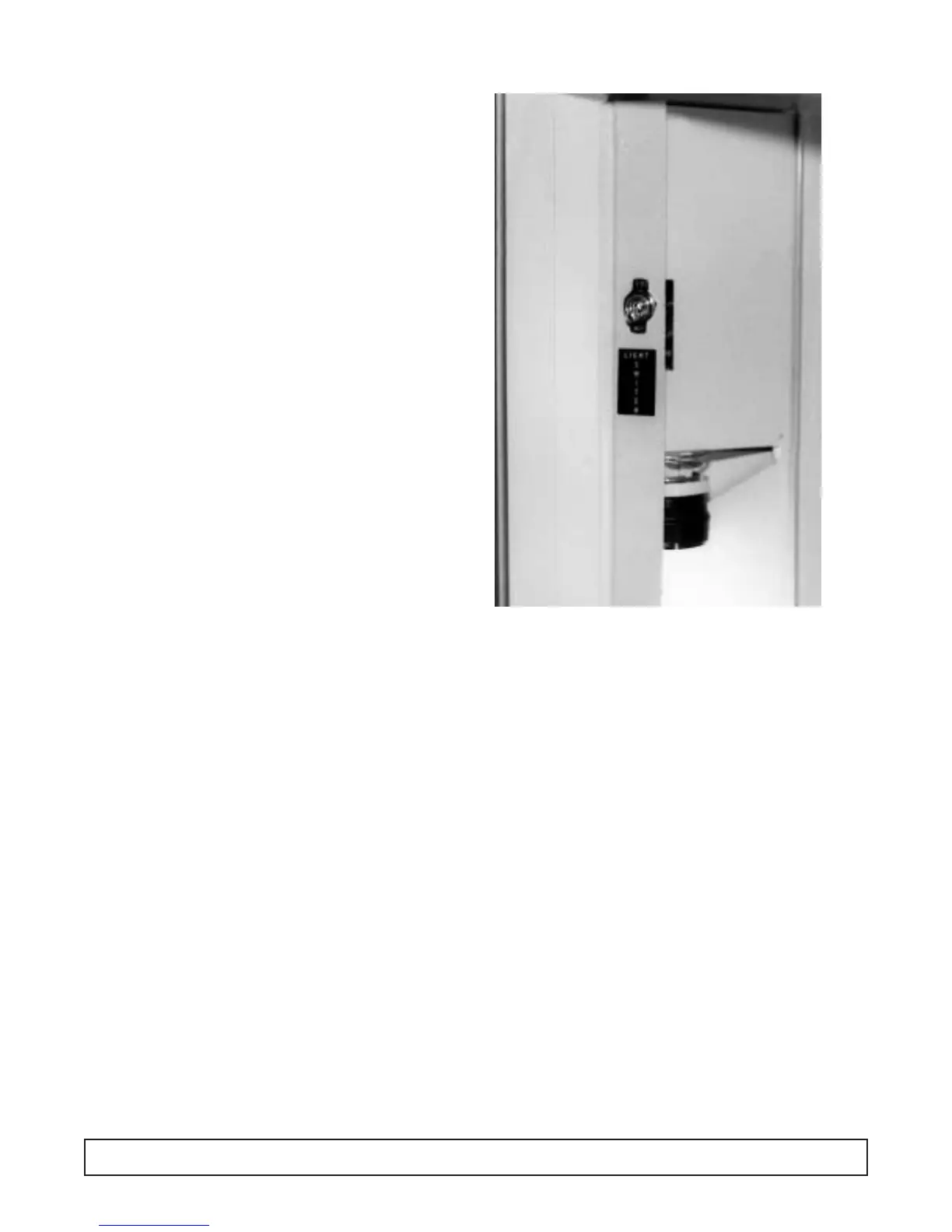
LIGHT SWITCH REPLACEMENT
On commercial models, the light switch is located
inside the cabinet. It is on the light channel assembly.
On scientific cabinets, the light switch is located on the
front control panel.
1. Disconnect the power to the cabinet.
2. Remove the plastic lamp shield. Remove the lamp
bracket from the cabinet.
3. Remove the lock nut on the switch body.
4. Disconnect wire leads.
5. Connect new switch.
6. Replace the lock nut.
7. Replace the lamp shield.
8. Reconnect the power to the cabinet.
MAINTENANCE & REPAIR 55




 To Next Page