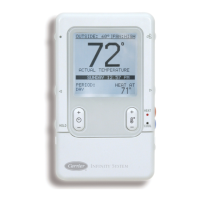
Outside Temp/_ Status
indoor Humidity --Fan Control
Room
Humidity I Temperature
Hold / Unoccupied Setpoint
Time (+/-) Temp (+/-)
Smart Sensor Operation
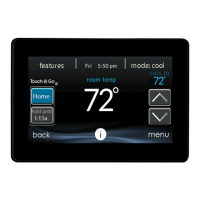
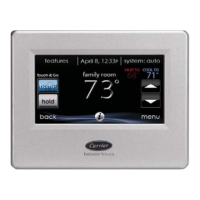
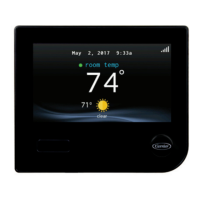
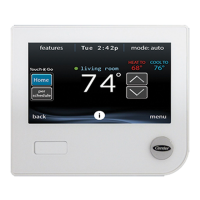
The Infinity TM Smart Sensor allows control and changing of zone
temperature setpoints. Continuous FAN selection is available; AUTO,
LOW, MED, HIGH. Other features include viewing Outdoor
Temperature and Indoor Relative Humidity. Infinity Smart Sensor
Functions also include HOLD and UNOCCUPIED settings.
Changing Desired Temperature
• The current zone temperature will be displayed in the LCD.
• Press COOL / HEAT button to change between "COOL AT" and
"HEAT AT" setpoints.
• Press Temp (+/-) button to raise or lower setpoints.
• The default time for temporarily overriding the temperature sched-
ule is 2:00 HRS as indicated by the text in the lower left screen.
• Temporary override time can be changed in 15-minute increments
by pressing the TIME (+/-) button to increase or decrease the over-
ride timer.
NOTE: Override will not appear if programming has been turned off.
Hold / Unoccupied
• Pressing HOLD / UNOCCUPIED button will display HOLD allowing
setpoints to remain permanent and override any existing program
schedules. Pressing HOLD / UNOCCUPIED button again will
release HOLDand return to previous program schedules.




 To Next Page
