34
4. Setting Age
•After confirming Stature, the system will divert to Age setting.
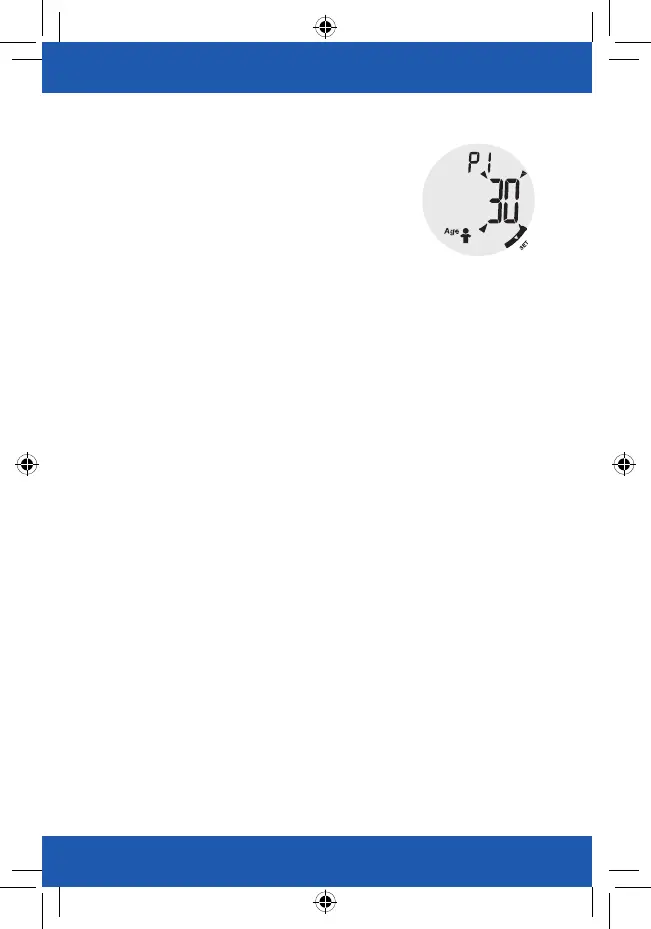
•As pictured to the right, the digits “30” blinks. The operator may
press the function key
◀
or
▶
to increase or decrease the
numeral. (Age Setting Range for Normal Mode: 10 to 85 years
old, Age Setting Range for Athlete Mode: 18 to 85 years old)
•You may press and hold the function key
◀
or
▶
for fast changing
the numeral.
•Press “SET” key to confirm Age.
When the LCD displays “0.0kg”, you may start measuring.


 To Next Page