TEST FUNCTION
Moving method
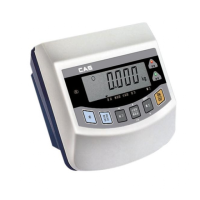
Open the top cover of indicator and power on with pressing CAL switch in
the left top. At that time, LCD screen shows “ZERO=TEST TARE=CAL”
message and pressing ‘Zero’ key moves to Test 1.
Test menu (tESt 1 ~ tESt 4)
TEST 1: Liquid crystal display test
TEST 2: A/D conversion test
TEST 3: Key test
TEST 4: RS-232C communication test
TEST 1(Enter ‘TEST’ mode to start TEST 1.)
Function : LCD TEST
Used key LCD screen Description
ENTER key :
Press once: Test running
Press one more time:
Next menu
Display TEST 1 state.
Used key LCD screen Description
ENTER key :
Press once: Test running
Press one more time:
Next menu
Display TEST 2 state.
Display the digital value
corresponding to current weight.
Used key LCD screen Description
ENTER key :
Press once: Test running
Press one more time:
Next menu
Display TEST 3 state.
Pressing the key to test shows
the key code.
TEST 2
Function : A/D conversion test
TEST 3
Function : Key test
21



 To Next Page
 Loading...