Installing the wall bracket
User Guide
User Guide
2-3
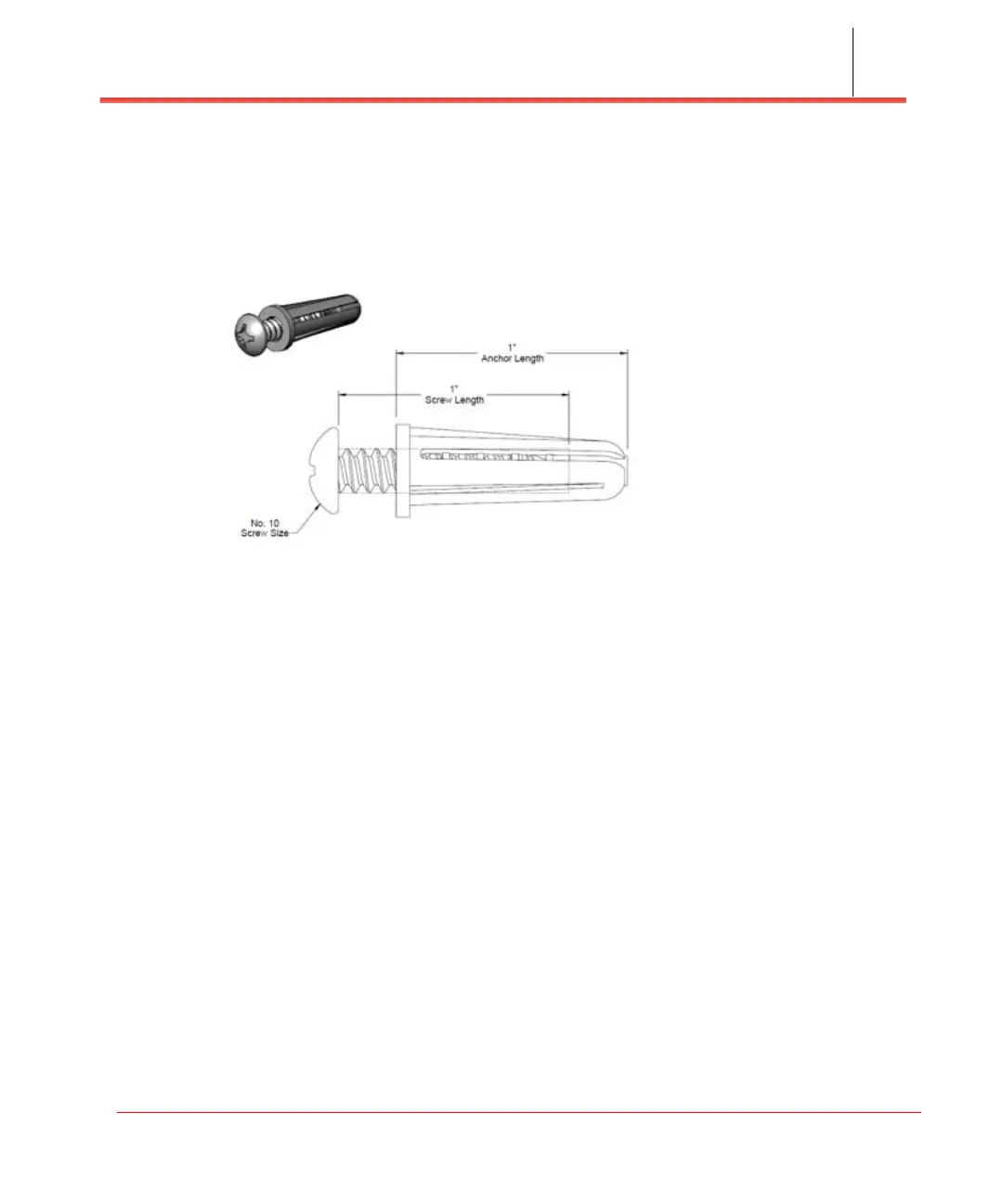
Required fasteners (not provided)
The fasteners shown in Figure 2-2 (Qty: 4) are required to mount the Network
Extender to the wall.
Figure 2-2. Fasteners (not provided)
Installing the wall bracket
Marking the mounting position
Before placing the Network Extender, mark the position where it will be installed and
also the positions where anchor bolts will be fixed using a pen or pencil. Mark the 4
holes using the bracket as a guide (see Figure 2-3).



 To Next Page