Admin website overview
Network Extender 3
User Guide
3-6
Admin website overview
The Admin Website gives you detailed information on your Network Extender unit's
status. You can also use the website to change settings. The Welcome page shows
basic device information such as the Network Extender unit's MAC address, GPS fix
location, device name, and IP address.
Sign in
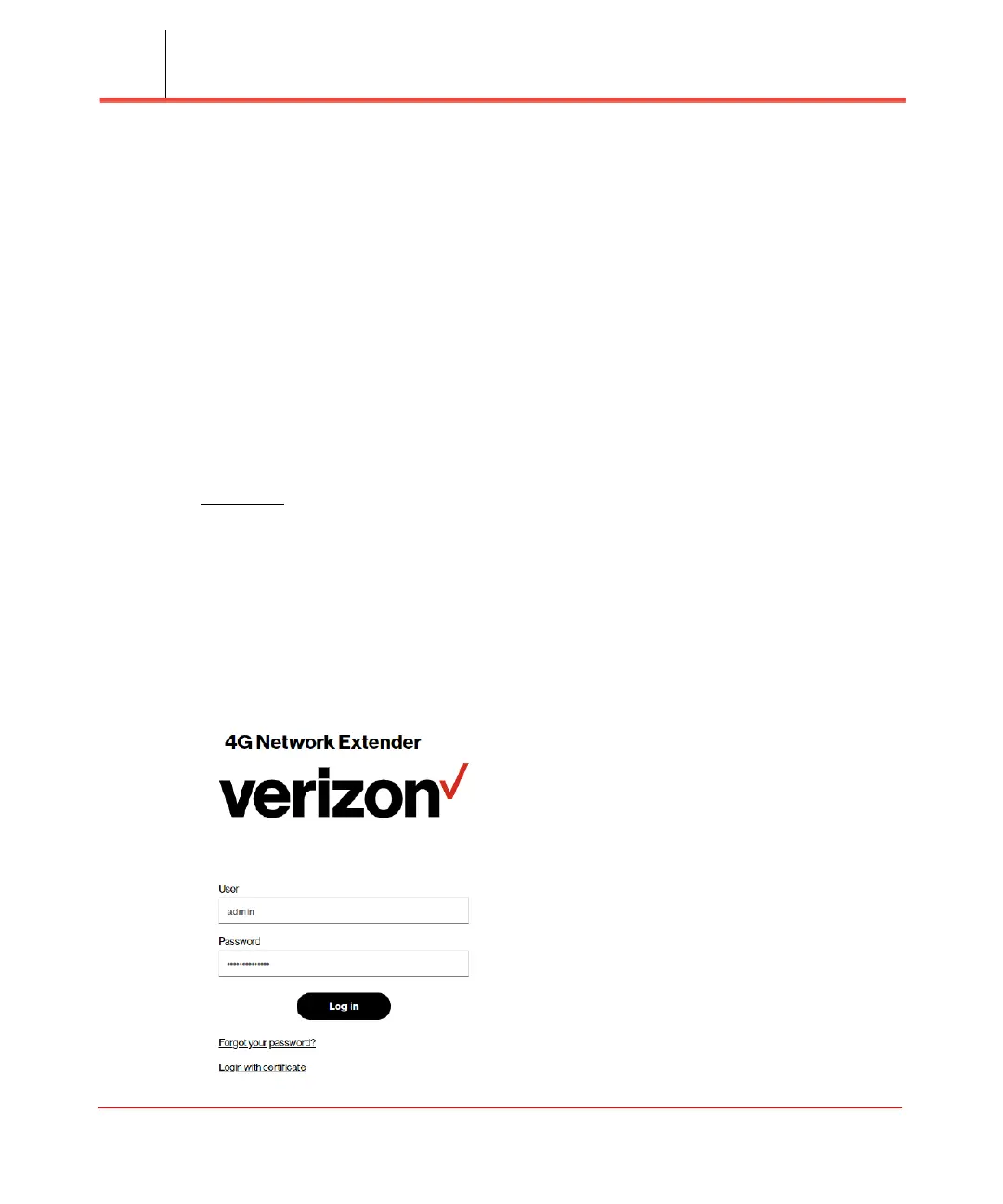
1. Once you are at the Welcome Page, enter the User and Password (see Figure 3-3).
The default administrator password is VzWNetExtender3@ + last six digits of the
MAC. The MAC ID can be found on the label on the side of the Network Extender.
Example:
VzWNetExtender3@213DA5.
Note: The password is case-sensitive. Letters in the last six digits of the MAC ID
should be UPPER case. The default password and all Network Extender settings can
be set back to default by pressing the reset button located on the back of the Network
extender for more than 10 seconds.
2.
Click Log in.
Figure 3-3. The login page



 To Next Page