Connecting the cables
User Guide
User Guide
2-13
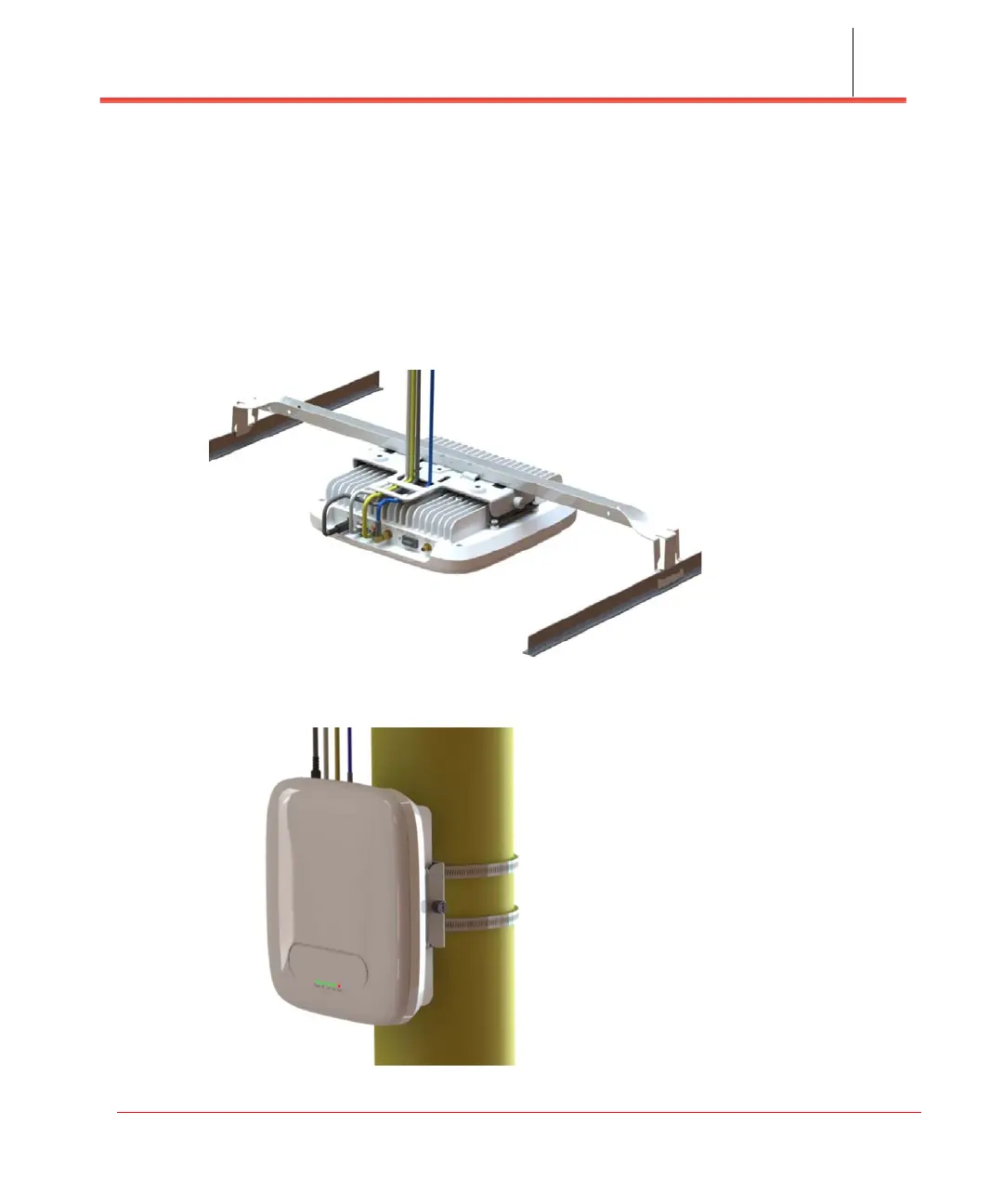
Optional mounting configurations
The Network Extender can be mounted on a plenum above the ceiling (see Figure
2-18) or on a pole (see Figure 2-19).
Note: The mounting bracket cross bar (shown in Figure 2-18) is an accessory that is
not included with the Network Extender and is shown for reference only.
Figure 2-18. Plenum above ceiling
Figure 2-19. Pole mount installation



 To Next Page