Startup sequence
Network Extender 3
User Guide
2-14
Startup sequence
The following steps provide detail Network Extender states during the startup
sequence. Table 2-1 provides functional details for each status LED during the startup
sequence.
1. Powered-on and hardware initializing.
The Network Extender State
: The device has been powered on and the system is
performing hardware tests.
Note: The Network Extender is under an autonomous hardware test cycle. It is not
possible to load or run any software, including the user Admin Website Page.
2.
Hardware test completed and software loaded (“Boot Complete”).
The Network Extender State
: The device has completed hardware initialization and
loaded all software.
Admin Website State
: The software is loaded. The Admin Website is accessible only
from the LMT port.
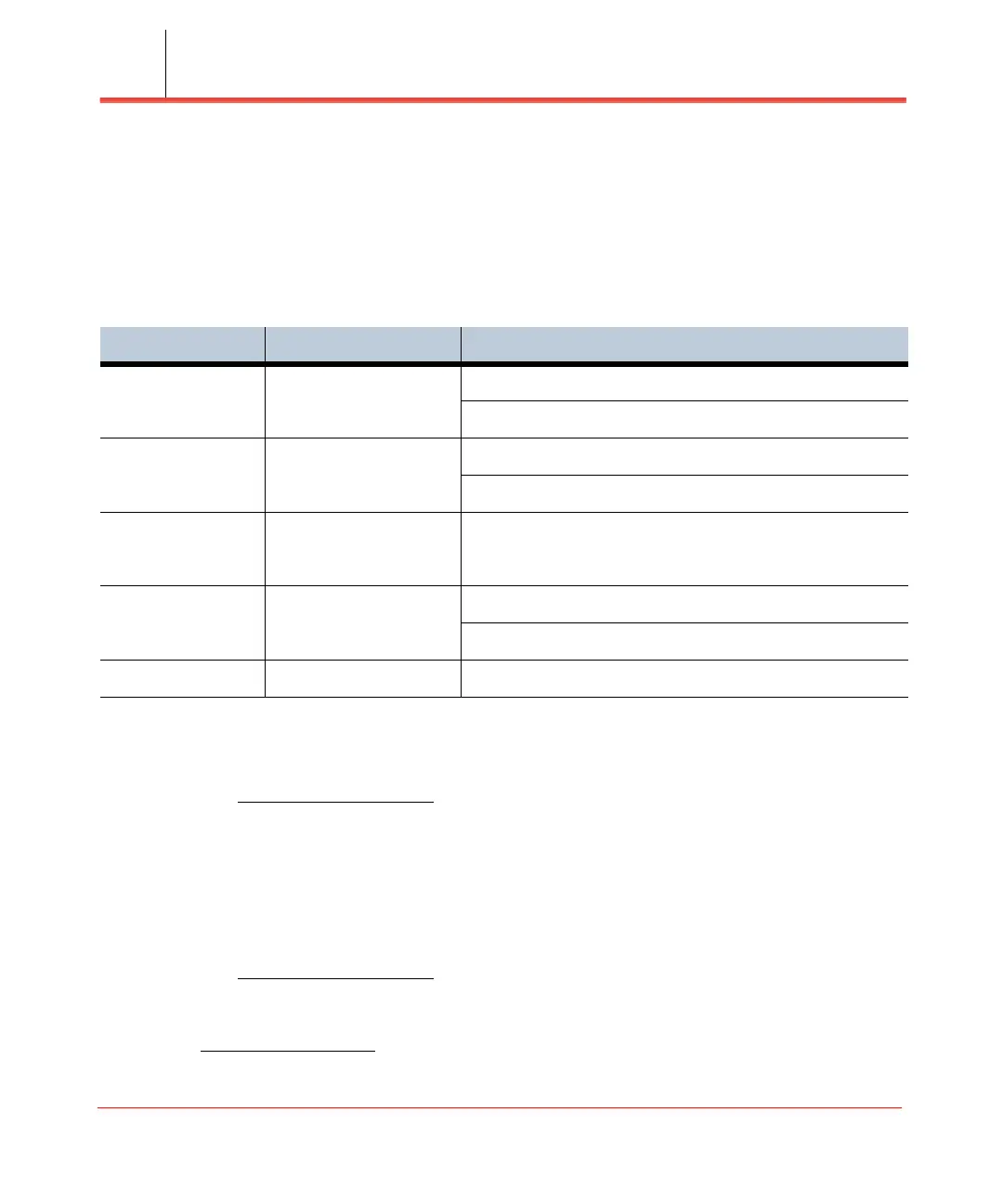
Table 2-1. Status LED functions
LED Color Function
Power Green ON: All the power rails are present.
Flashing: Unit booting or firmware upgrading.
RF Green OFF: No activity.
ON: Transmit or receive activity.
Link Green OFF: No link.
ON: Link OK, Speed = 1000Mbps.
Sync Green OFF: No Sync.
ON: Sync OK.
Alarm Red ON: System alarm.



 To Next Page