INT/EXT antenna
Network Extender 3
User Guide
2-20
INT/EXT antenna
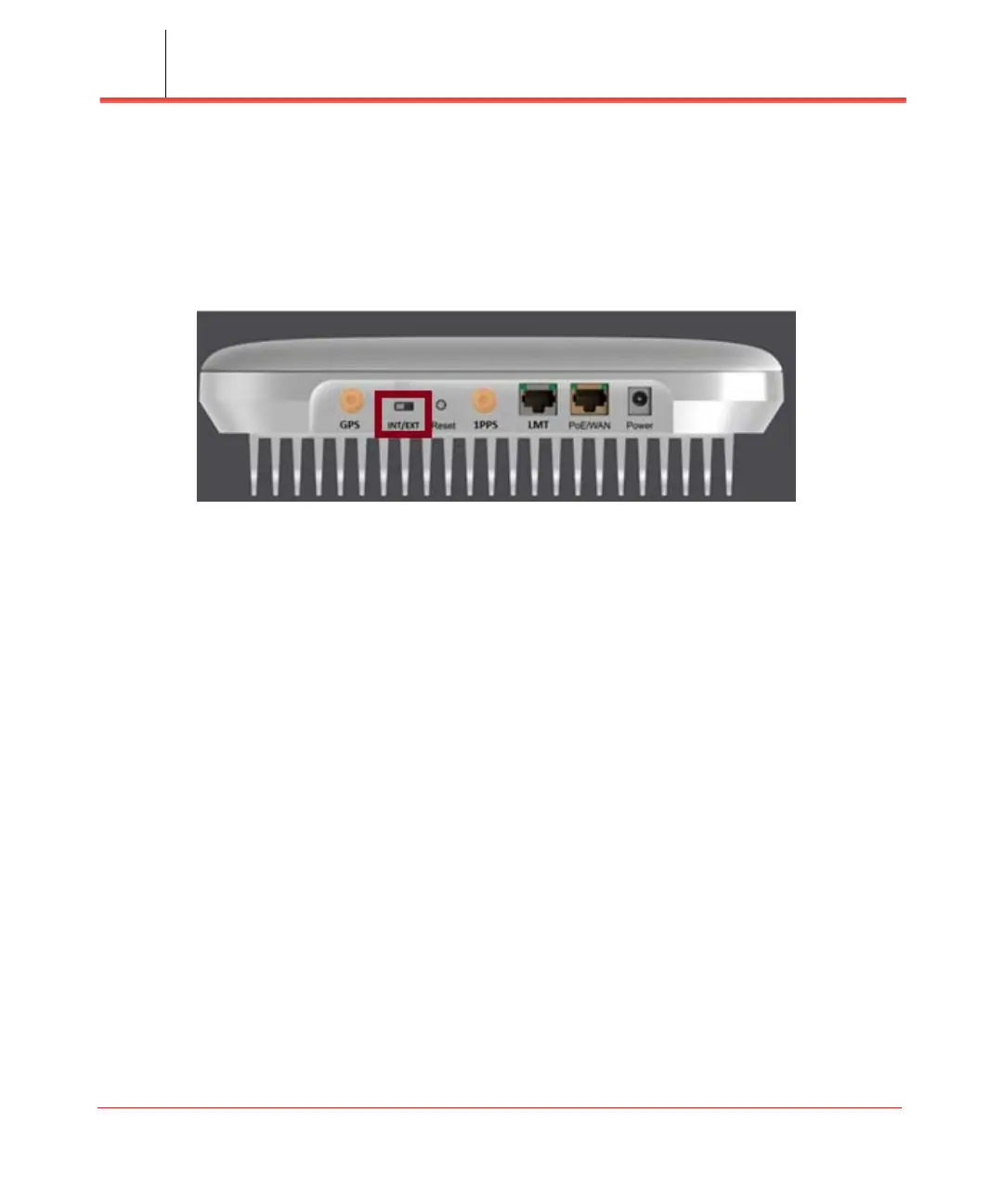
The Network Extender provides a switch (INT/EXT) (see Figure 2-21) used to select
an Internal or External Antenna for the Network Extender.
Figure 2-21. INT/EXT switch
Setting the Network Extender to EXT without an external antenna connected will end
with PA damage. Changing the switch during unit operation produces the same effect.
• INT means internal antennas are used.
• EXT is to use the connectors available in the back to connect external antennas/
DAS.
Warning: The mechanical switch should be changed only when the unit is powered
off or when the radio is disabled.



 To Next Page