Connecting the cables
Network Extender 3
User Guide
2-12
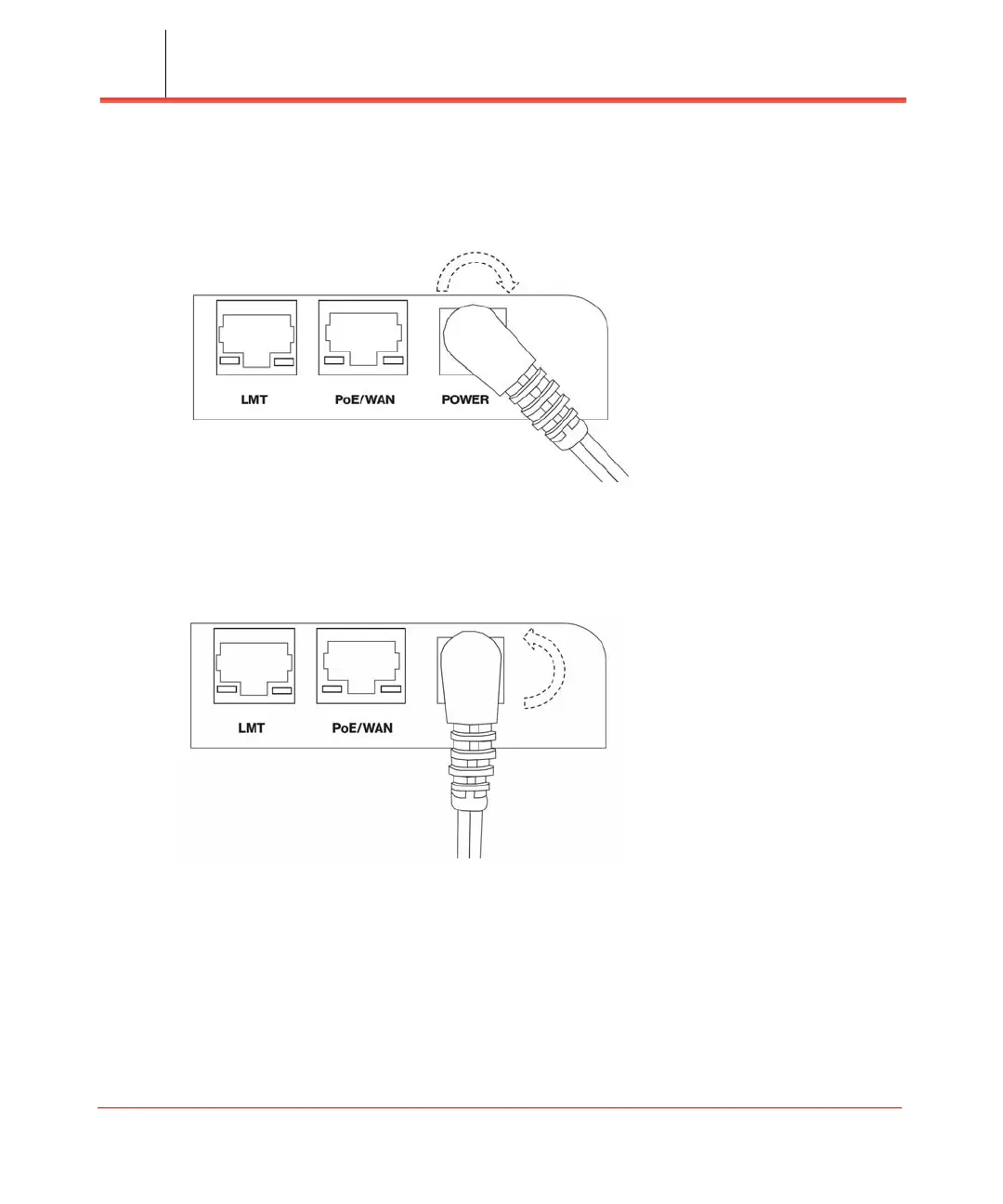
5. To install the power cable, it should be plugged in at 45 Degrees and twist
clockwise to secure the power cord in the lock position (see Figure 2-16).
Figure 2-16. Lock the power cable
6. To unlock the power cable, twist it counterclockwise from the lock position (45
Degrees) as shown in Figure 2-17.
Figure 2-17. Unlock the power cable



 To Next Page