38 | Page
OPERATION
CHANGE UNIT OF MEASUREMENT
The controller can display temperatures in either Celsius or Fahrenheit.
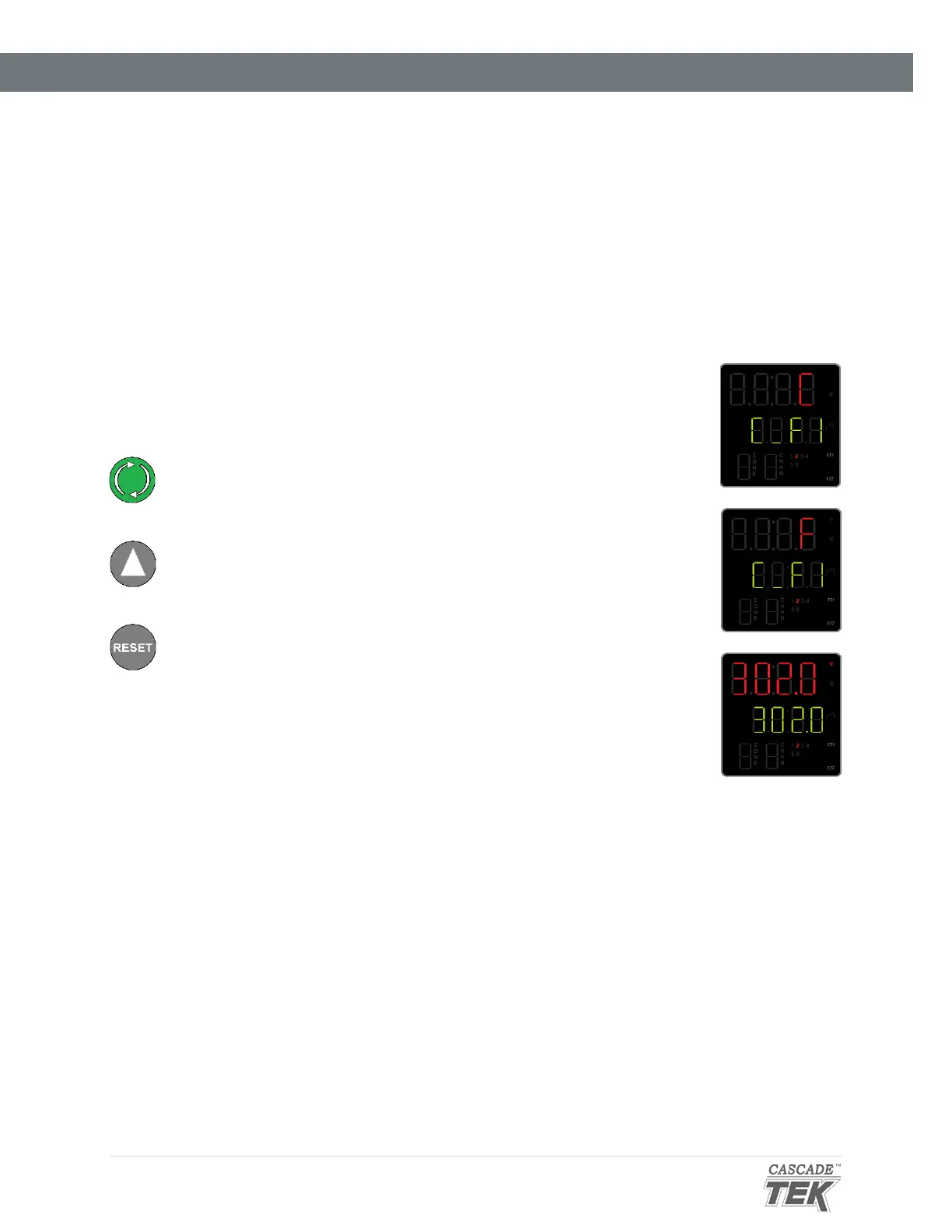
1. From the homepage, advance to the “C_F1” unit of measurement
option.
a. Push the green Advance button 7 times.
2. Change the unit of measurement.
a. Use the Arrow button to change the parameter on the top
display line. “C” is Celsius and “F” is Fahrenheit.
3. After changing the Unit parameter, return to the homepage.
a. Push the Reset button.


 To Next Page