Step Count
Q1
Displayed step count is not correct.
While the watch is on your wrist, it may detect
non-step movements and count them as
steps.
l
Step Count
Also, step count problems can also be caused
by how the watch is being worn and abnormal
arm movement while walking.
l
Counting Steps
Q2
The step count does not increase.
To avoid miscounting non-walking
movements, the step count or distance value
is not displayed for about 18 seconds after you
start to walk.
It appears only after you have continued
walking for about 18 seconds, with the number
of steps you took during the first 18 seconds
included in the total.
Q3
[ERR] appears when counting steps.
[ERR] (error) indicates that sensor operation
is disabled because of sensor or internal
circuitry malfunction.
If the indicator remains on the display for more
than three minutes or if it frequently appears,
it could indicate a faulty sensor.
Contact a CASIO service center or your
original retailer.
Alarm and Hourly Time
Signal
Q1
An alarm does not sound.
The alarm’s settings may not be configured.
Configure the alarm settings.
l
Configuring Alarm Settings
Q2
The hourly time signal does not
sound.
The hourly time signal may be disabled.
Enable the hourly time signal.
l
Enabling the Hourly Time Signal
Indicators
Q1
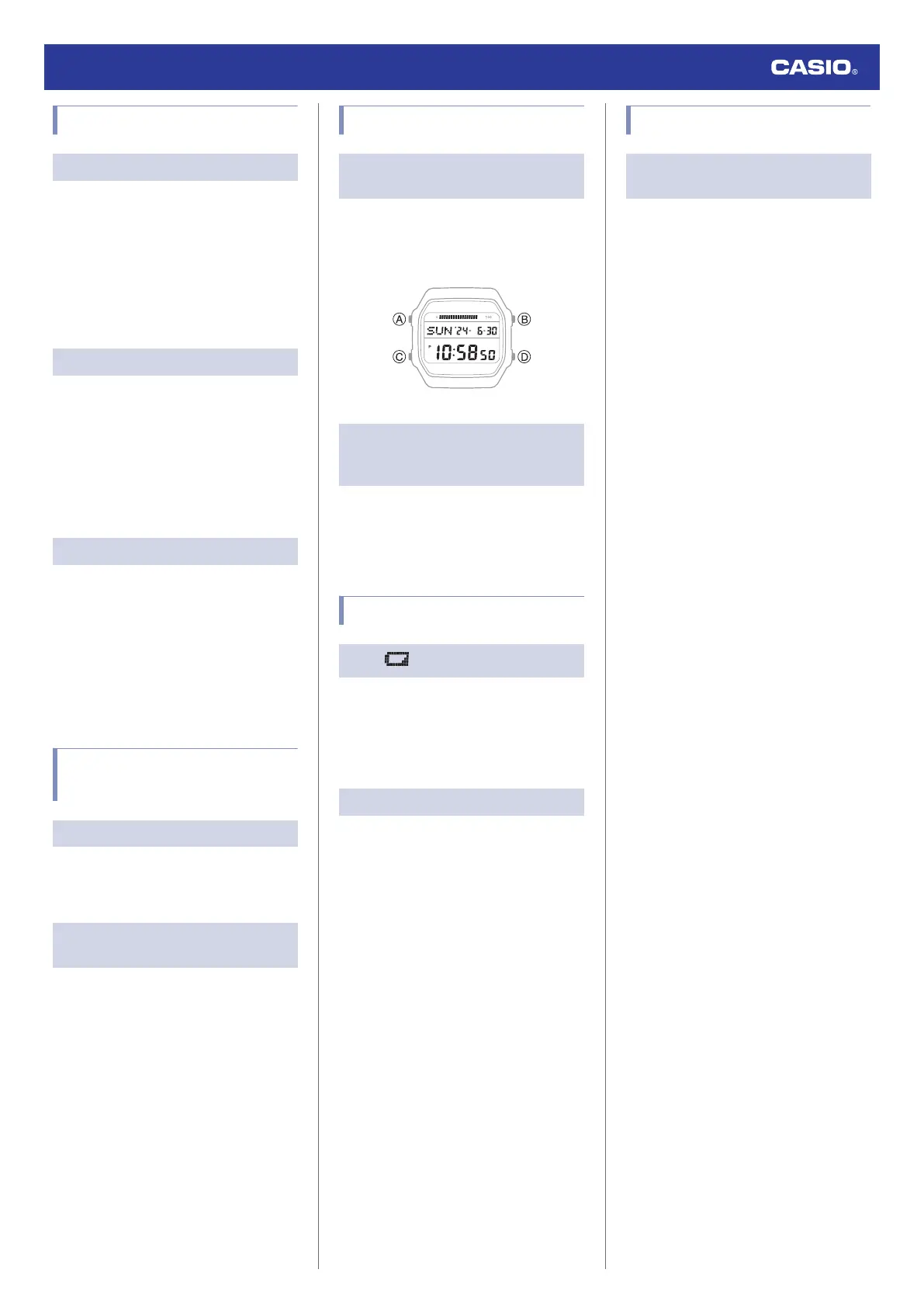
I don’t know what mode the watch is
in.
You can determine the current mode by
checking the watch display. Use (C) to
navigate between modes.
l
Navigating Between Modes
Q2
The current time indicated by the
watch is off by one hour or 30
minutes.
The summer time setting is not correct. Select
the correct setting.
l
Changing the Home City Summer Time
Setting
Battery
Q1
is flashing on the display.
This indicates that battery power is getting
low.
Request battery replacement from a CASIO
service center or your original retailer.
l
Battery Replacement
Q2
[R] is flashing on the display.
[R] may appear on the display when the
watch’s battery power is low, or if you use the
light or other functions a number of times
during a short period, which momentarily
causes the battery level to go low. If this
happens, all watch functions, except for
timekeeping, become disabled.
If [R] remains on the display or if it keeps
appearing, it may indicate that the battery
needs to be replaced.
Request battery replacement from a CASIO
service center or your original retailer.
Other
Q1
I can’t find the information I need
here.
Visit the website below.
https://world.casio.com/support/
Watch Operation Guide 3565
28



 To Previous Page