●
Specifying the Illumination Duration
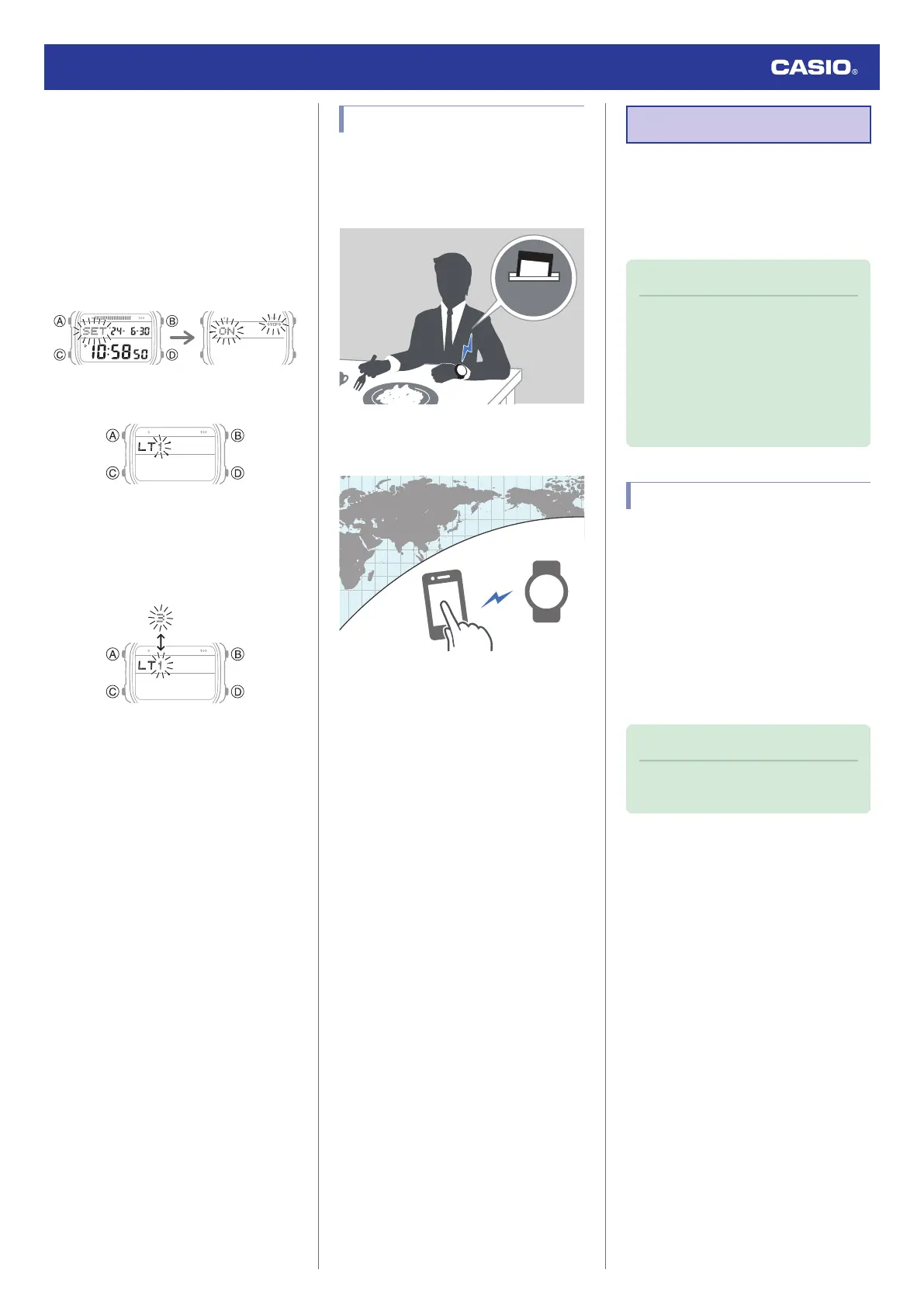
You can select either 1.5 seconds or three
seconds as the illumination duration.
1. Enter the Timekeeping Mode.
l
Navigating Between Modes
2. Hold down (A) for at least two seconds.
This causes the current step reminder
setting ([ON] or [OFF]) to flash on the
display.
3. Press (C) 10 times to display [LT].
4. Press (D) to select an illumination
duration.
[1]: 1.5-second illumination
[3]: 3-second illumination
5. Press (A) to exit the setting screen.
Useful Features
Pairing the watch with your phone makes a
number of the watch’s features easier to use.
Auto time correction
l
Auto Time Correction
Selection of More Than 300 World Time
cities
l
Configuring World Time Settings
In addition, a number of other watch settings
can be configured using your phone.
To transfer data to a watch and to
configure settings, you first need to pair
the watch with your phone.
l
Getting Ready
●
Your phone needs to have the “CASIO
WATCHES” phone app installed to pair with
the watch.
Linking with a Phone
While there is a Bluetooth connection
between the watch and phone (Mobile Link),
the watch’s current time setting is corrected
automatically. You can also change the
watch’s other settings.
Note
●
This function is available only while the
CASIO WATCHES phone app is
running on the phone.
●
This section describes watch and
phone operations.
X
: Watch operation
Y
: Phone operation
Getting Ready
To use your watch in combination with a
phone, you first need to pair them. Perform the
steps below to pair the watch with a phone.
●
A
Install the app on your phone.
In Google Play or the App Store, search for the
“CASIO WATCHES” phone app and install it
on your phone.
●
B
Configure Bluetooth settings.
Enable the phone’s Bluetooth.
Note
●
For details about setting procedures,
see your phone documentation.
Watch Operation Guide 3565
9



 To Next Page