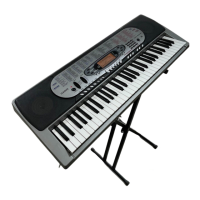
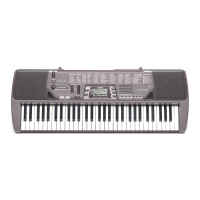
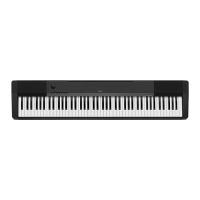
CDP-120
– 10 –
DISASSEMBLY
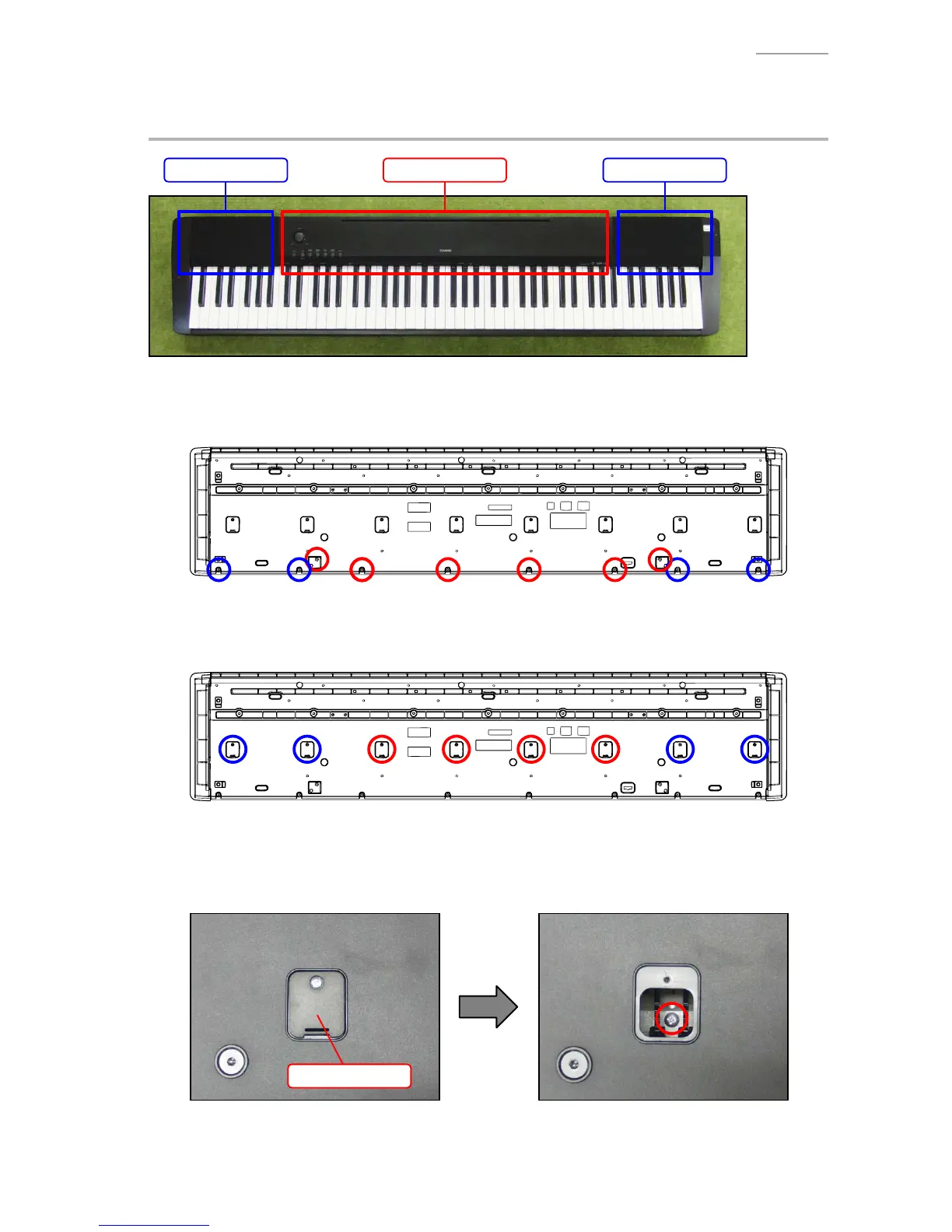
A. REMOVE THE PANEL UNITS
Main panel unit Right panel unitLeft panel unit
A-1. Undo 10 or six screws on the bottom surface of the main unit.
NOTE: To remove only the main panel unit, undo six screws indicated with red circles in the
illustration below.
A-2. Undo eight or four screws and then remove eight or four LOWER-COVERs.
NOTE: To remove only the main panel unit, undo four screws and remove the four LOWER-
COVERs indicated with red circles in the illustration below.
A-3. You will see a screw inside when you remove an LOWER-COVER. Undo and remove the screw
through each opening (eight or four screws in total).
NOTE: Do not drop the screws inside the main unit.
NOTE: Do not touch the hammer with the screwdriver while loosening the screws.
LOWER-COVER


 To Next Page