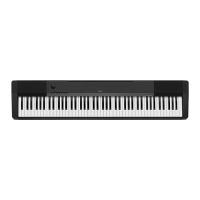
CDP-120
– 27 –
D. PEDAL CHECK
D-1. Press the “ELEC PIANO” button to select the “PEDAL CHECK”.
D-2. Press the pedal.
<If the result passes>
The conrmation chord sounds.
<If the result fails>
The error tone sounds.
D-3. Press the “STRINGS” button to return to the root mode.
E. USB CHECK
NOTE: The following procedures are for a PC with Windows XP.
E-1. Connect the main unit to the PC with a USB cable.
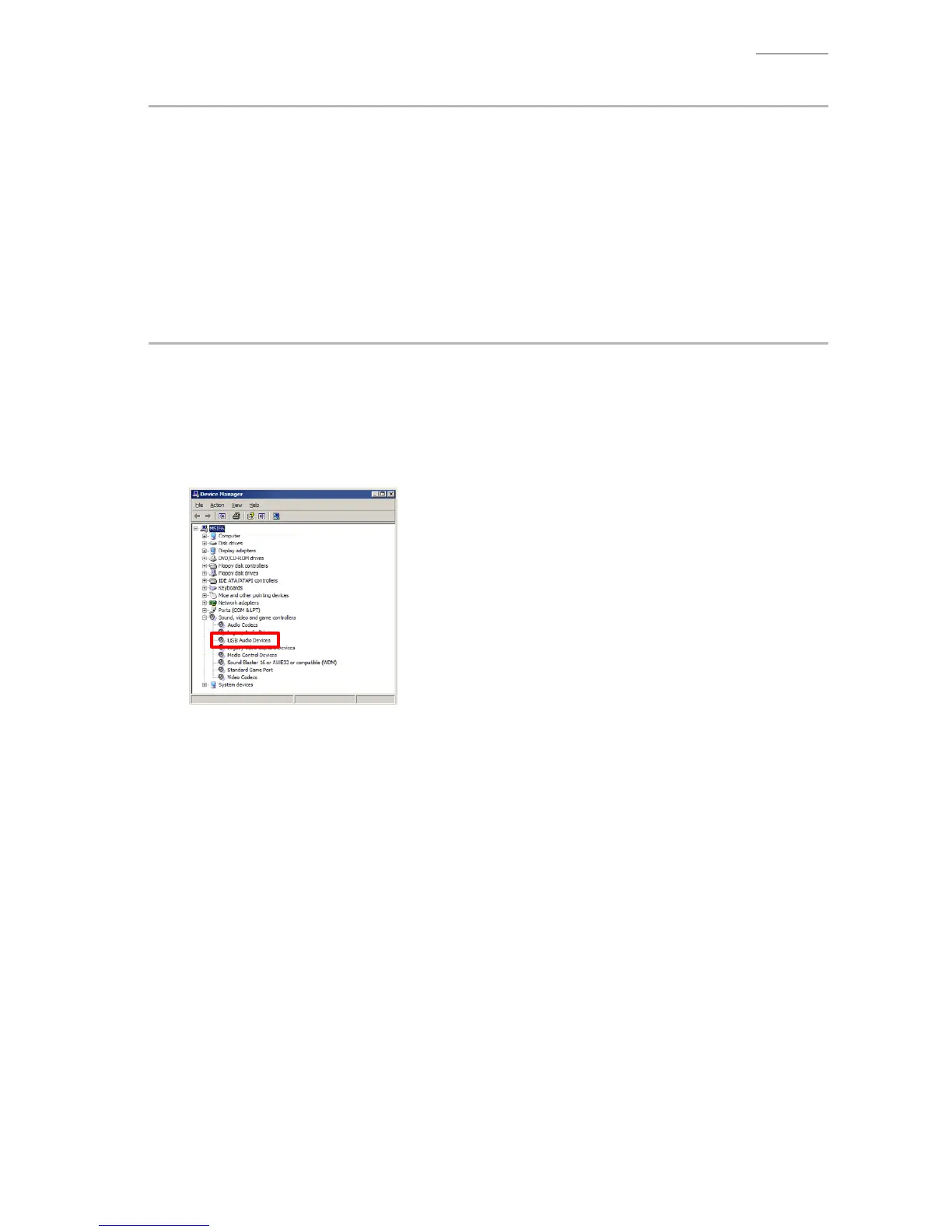
E-2. Open the windows “Device Manager”, and then make sure “USB Audio Devices” is listed under
“Sound, video and game controllers”.
E-3. Disconnect the USB cable.
E-4. Verify “USB Audio Devices” is not listed under “Sound, video and game controllers”.


 To Next Page