13
Getting Started
CE-6000 User’s Manual
Tax table programming (continued…)
Programming U.S.tax tables
Before you can program a U.S. tax table, you must first calculate the program data.
The partial tax table shown below is for a tax rate of 6%. A tax amount is applied for each price range,
which is defined by a low end minimum break point. If you subtract each maximum break point from the
next lower maximum break point, you should soon be able to see certain patterns. In a cyclic pattern, the
differences in maximum breakpoints form a regularly repeating cycle. A pattern which does not fit the cyclic
pattern is called non-cyclic pattern.
Though rate, it is conceivable that you can find that subtracting maximum breakpoints results in an one big
non-cyclic pattern. In this case, you won’t be able to use automatic tax calculation, and must enter the tax
for each transaction manually or use a tax rate.
Example 1, Add-on rate tax:
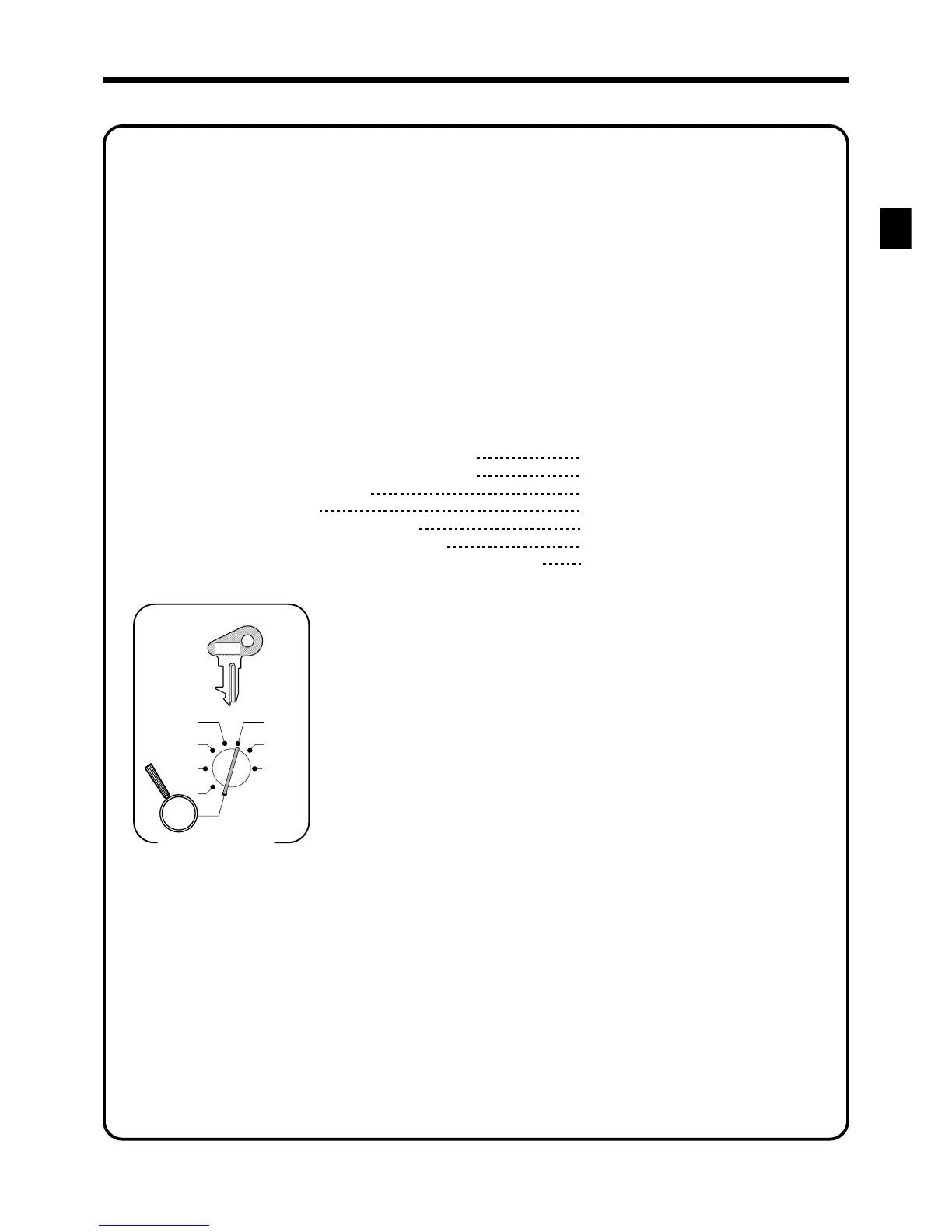
Programming procedure:
X1
Z1
X2/Z2
REG2
REG1
OFF
RF
PGM
Mode Switch
3s
8
: : : : s
8
8^25a
8
0a
8
5002a
8
s
0125
0225
0325
{
}
Tax table 1 =
Tax table 2 =
Tax table 3 =
Tax rate (2-digit for integer + 4-digit for decimal)
Tax table maximum value (“0” means unlimited).
Rounding/tax table system code
Tax rate (2-digit for integer + 4- digit for decimal)
Tax table maximum value ("0" means unlimited).
Rounding/tax table system code
Sum of a cyclic pattern
Number of values in each cyclic pattern
Number of values in each non-cyclic pattern
Actual value of difference of the non-cyclic and cyclic values
8.25%
0 (no limitation)
5002 (Round off)
0
0
0
0
No need to enter.
PGM
C-A32
www.cashregisters.net



 To Next Page