48
Advanced Operations and Setups
Arrangement key registrations
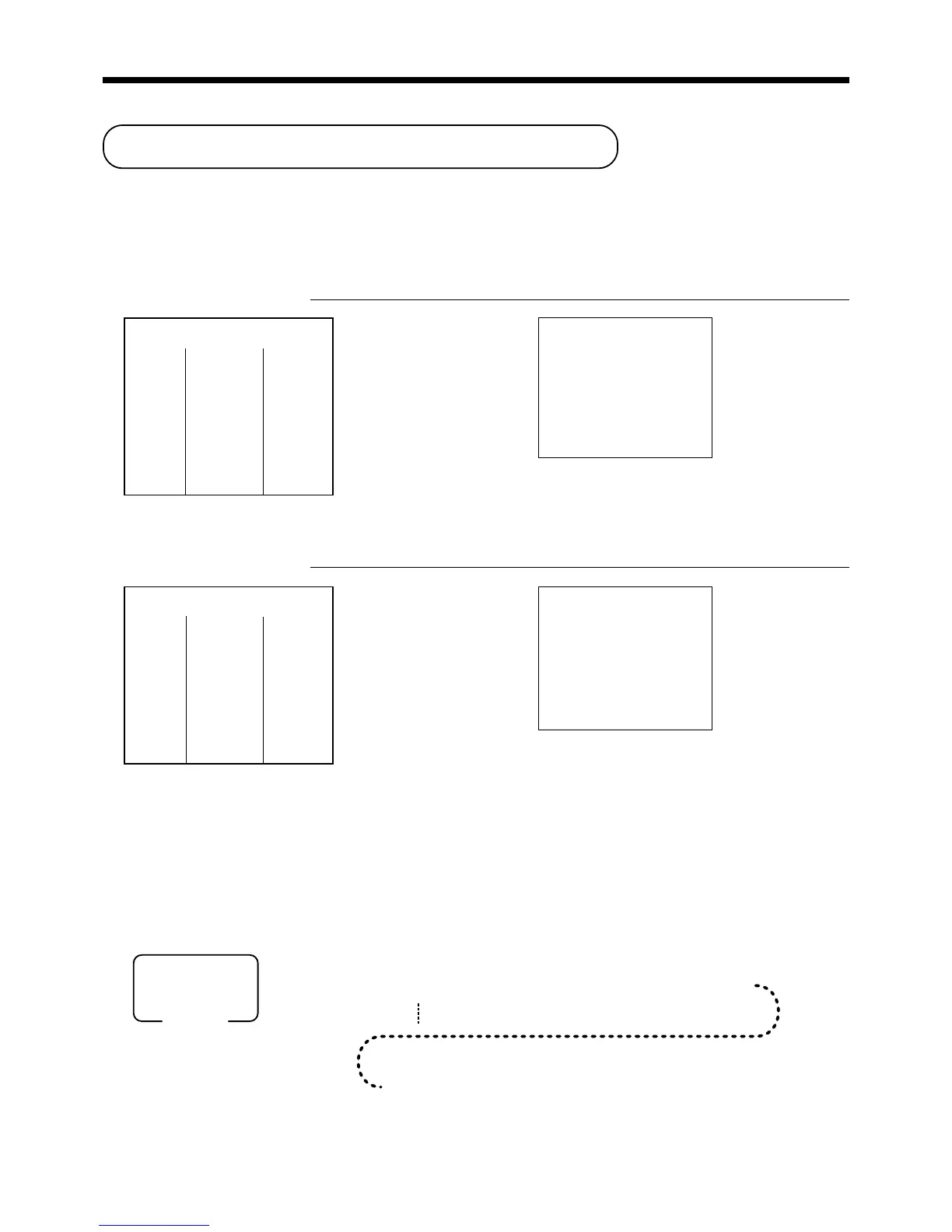
Key operations can be assigned to an <ARRANGE> (arrangement key). Then, simply pressing <ARRANGE>
performs all of the key functions assigned to it.
Key operations can also be assigned to an address code. Then, when you input the address code using
<ARRANGE>, all of the key functions assigned to the address code are performed.
Example 1
OPERATION RECEIPT
AA
AA
A
Example 2
OPERATION RECEIPT
5
AA
AA
A
Arrangement programming
Arrangement key allocation
Please refer to page 88.
Attribution of <ARRANGEMENT> programming
Please refer to page 78.
The operation in <ARRANGEMENT> programming
Arrangement 1
—————————————
PLU 1 ($8.00)
Item 1 ——————————
Quantity 1
—————————————
PLU 2 ($5.00)
Item 2 ——————————
Quantity 1
—————————————
Payment Cash $13.00
REG 03-04-2000 13:25
C
01 MC#01 000108
1 PLU0001 $8.00
1 PLU0002 $5.00
TL
$13.00
CASH $13.00
Arrangement 5
—————————————
Dept. 1 $1.00
Item 1 ——————————
Quantity 1
—————————————
Dept. 2 $2.00
Item 2 ——————————
Quantity 1
—————————————
Payment Cash $3.00
REG 03-04-2000 13:30
C
01 MC#01 000109
1 DEPT01 $1.00
1 DEPT02 $2.00
TL
$3.00
CASH
$3.00
6 3s 6
{
}
38s 6 A 60a 6
6
:
:
:
:
:
:
:
:
:
:
6 A 6 s
1
2
Mode switch
PGM
*
*
*
The same
A
should be pressed.
www.cashregisters.net



 To Next Page