23
Basic Operations and Setups
CE-6000 User’s Manual
• Check to make sure that the cash register is
plugged in securely. Page 8
• Check to make sure there is enough paper
left on the roll. Pages 9, 10
• Read the financial totals to confirm that they are
all zero. Page 91
• Check the date and time. Page 25
• Register transactions. Page 26
• Periodically read totals. Page 90
• Reset the daily totals. Page 43
• Remove the journal. Page 104
• Empty the cash drawer and leave it open. Page 17
• Take the cash and journal to the office.
How to use your cash register
The following describes the general procedure you should use in order to get the most out of your cash register.
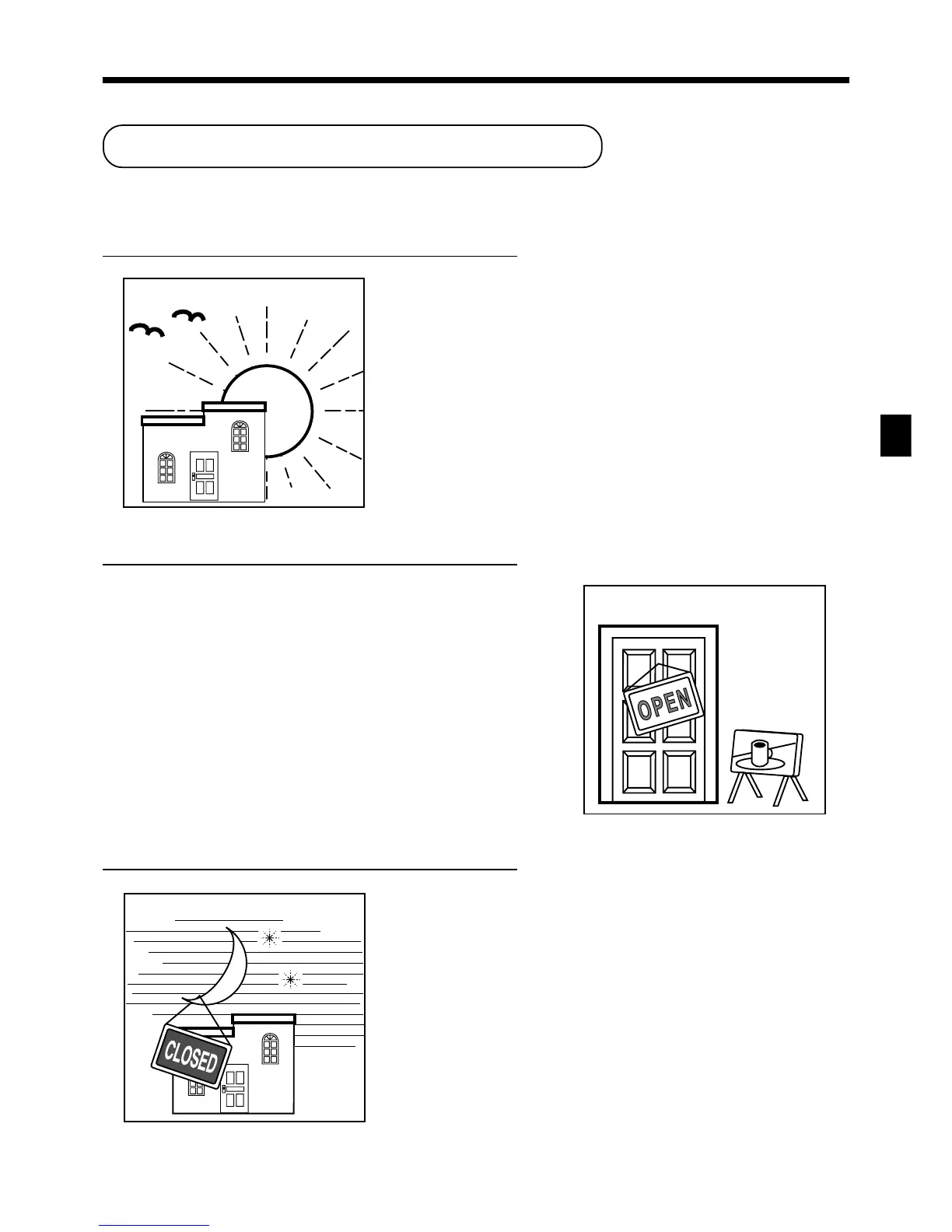
BEFORE business hours…
DURING business hours…
AFTER business hours…
www.cashregisters.net



 To Next Page