91
Advanced Operations and Setups
CE-6000 User’s Manual
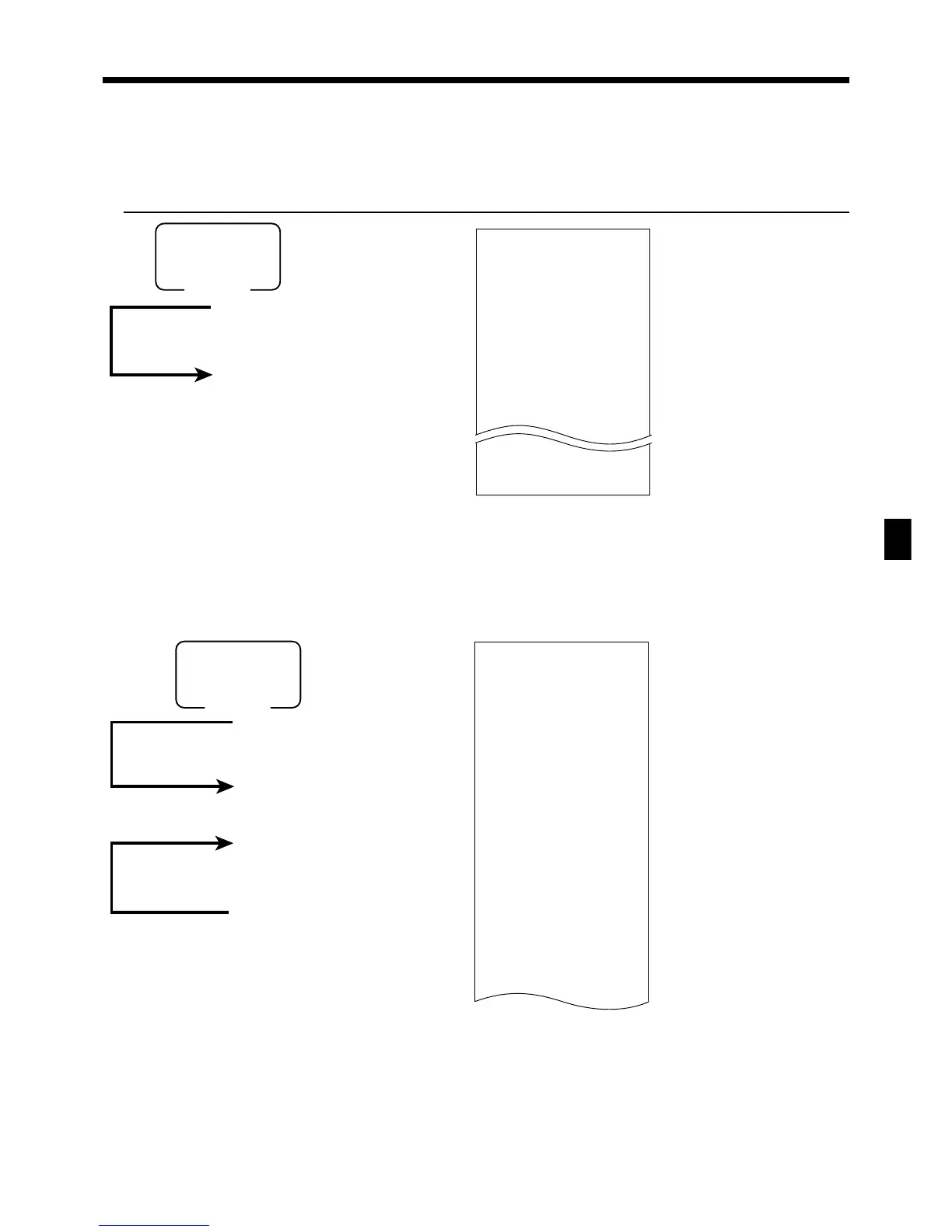
To print the financial read report
This report shows gross sales, net sales, cash in drawer and check in drawer.
OPERATION REPORT
X FLASH
0000071
DECLA $6,919.04
$0.00
GROSS 111.15
$7,054.14
NET No 120
$7,263.20
CAID $6,919.04
CHID $178.60
FSID $172.85
EBTTL $6.00
— Read symbol/report title
— Command code
— Declared cash in drawer
*1
— Difference (= declared - accumulated)
*1
— Gross No. of items
— Gross amount
— Net No. of customers
— Net amount
— Cash in drawer
— Charge in drawer
— Food stamp in drawer
— EBT in drawer
8
8
Mode switch
X1
Money declaration
*1
(Cash in drawer amount b, N or n)
x
To print the individual clerk read/reset report
This report shows individual clerk totals.
8
8
20017a
8
: :
: :
a
8
s
After you finish to select clerks, press s to terminate.
Enter the appricable clerk number.
Mode switch
X1/Z1
(read/reset)
Money declaration
*1
(Cash in drawer amount
b
,
N
or
n
)
Z CASHIER 0001
0020017
DECLA $6,919.04
$0.00
C
01 ...........1
GROSS 421.25
$2,872.28
NET No 111
$1,845.35
CAID $1,057.14
CHID $139.04
RF No 1
$1.00
CLEAR No 5
$4.43
C
02 ...........1
— Read symbol/report title/reset counter
— Command code
— Declared cash in drawer
*1
— Difference (= declared - accumulated)
*1
— Clerk name/drawer No.
— Gross total
— Net total
— Cash in drawer
— Refund mode
— Clear key count
— Clerk name/drawer No.
*1
Money declaration:
Count how much cash is in the drawer and input this amount (up to 10 digits).
The cash register will automatically compare the input with the cash in drawer in the memory and print the
difference between these two amounts.
Note that if money declaration is required by programming (page 67), you cannot skip this procedure.
www.cashregisters.net



 To Next Page