34
Basic Operations and Setups
6 1s 6
:
:
:
:
:
:
6 m 6 s
Unit price
Mode switch
PGM
Preparing and using reductions
This section describes how to prepare and register reductions.
Programming for reductions
You can use the m key to reduce single item or subtotal amounts.
To program preset reduction amount
Reduces the last amount
registered by the value input.
Mode switch
REG
Dept. 1 $5.00
—————————
Item 1 Quantity 1
—————————
Taxable (1)
preset
—————————————
Reduction
Amount $0.25
—————————————
PLU 45 ($6.00)
preset
—————————
Item 2 Quantity 1
—————————
Taxable (1)
preset
—————————————
Reduction
Amount ($0.50)
preset
—————————————
Payment Cash $11.00
Registering reductions
The following examples show how you can use the m key in various types of
registration.
Reduction for items
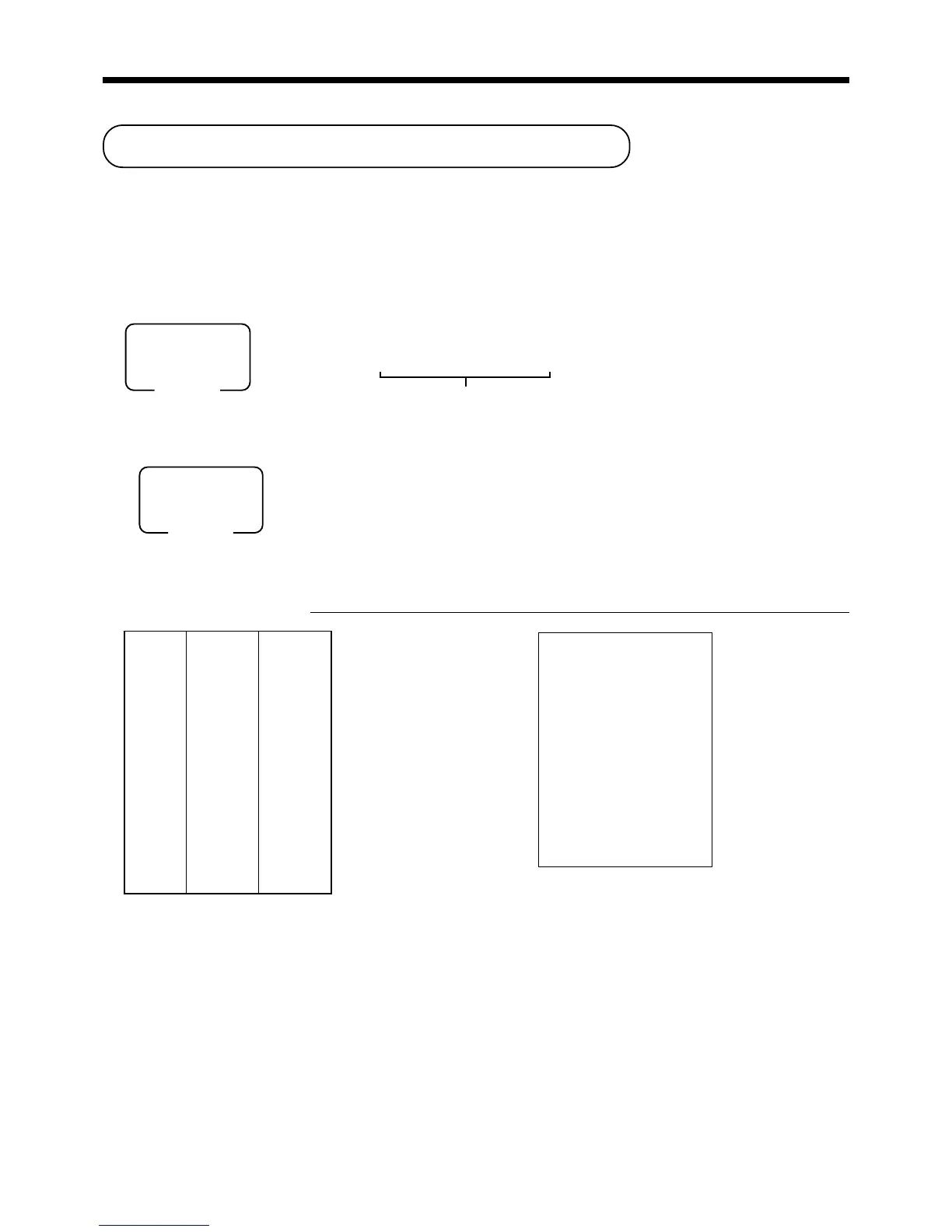
OPERATION RECEIPT
5-!
25
mm
mm
m
45+
mm
mm
m
s
11-F
• You can manually input reduction values up to 7 digits long.
• If you want to subtract the reduction amount from the department or PLU totalizer, program “Net totaling”
(refer to page 67).
REG 03-04-2000 11:15
C
01 MC#01 000016
1 DEPT01 T1 $5.00
- T1 -0.25
1 PLU0045 T1 $6.00
- T1 -0.50
TA1 $10.25
TX1 $0.41
TL
$10.66
CASH $11.00
CG $0.34
www.cashregisters.net



 To Next Page