32
Basic Operations and Setups
Shifting the taxable status of an item
By pressing “Tax Shift” key, you can shift the taxable status of an item.
Calculation merchandise subtotal
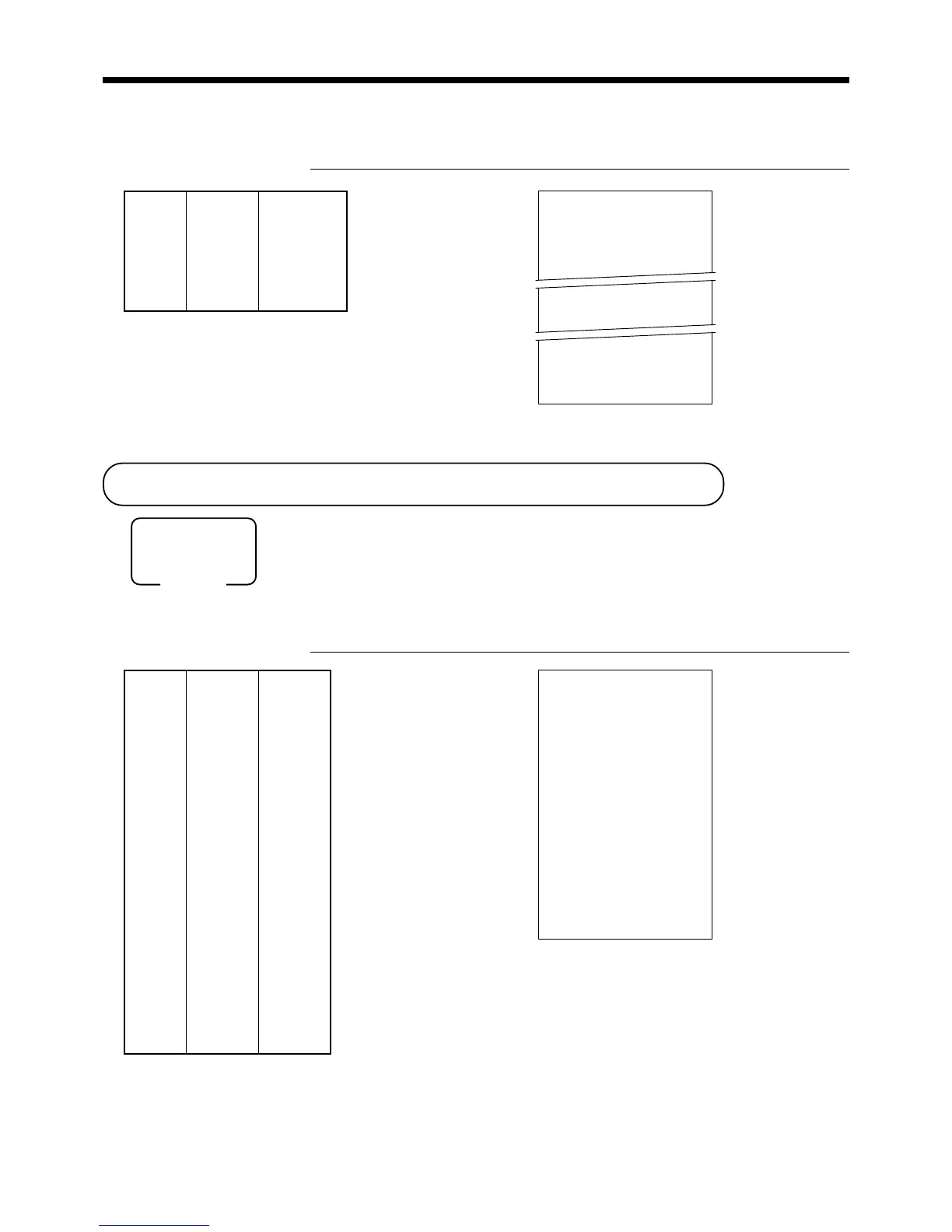
OPERATION RECEIPT
4-!
tt
tt
t
2-"
TT
TT
T
6-#
TT
TT
T
7-$
s
20-F
Mode switch
REG
Split sales of packaged item
OPERATION RECEIPT
3
xx
xx
x
5
xx
xx
x
28+
s
15-F
* See address 0522 of the general function program.
REG 03-04-2000 11:00
C
01 MC#01 000013
3 PLU0028 $12.00
3 @5/ 20.00
PLU0028 $12.00
TL
$12.00
CASH $15.00
CG $3.00
Unit price
(5for$20.00)
preset
——————————
Item Quantity 3
——————————
PLU 28
——————————————
Payment Cash $15.00
Quantity being purchased
(4-digit integer/2-digit decimal)
Package quantity
(4-digit integer/2-digit decimal)
— Quantity/result
or
*
— Quantity/unit q’ty/@
— Result
Dept. 1 $4.00
—————————
Item 1 Quantity 1
—————————
Taxable (2)
preset
—————————————
Dept. 2 $2.00
—————————
Item 2 Quantity 1
—————————
Taxable (No)→1
—————————————
Dept. 3 $6.00
—————————
Item 3 Quantity 1
—————————
Taxable (1)→1, 2
—————————————
Dept. 4 $7.00
—————————
Quantity 1
Item 4 —————————
Taxable (2)→No
—————————————
Payment Cash $20.00
Pressing
t
changes the tax status
from Nontaxable to Taxable 1
Pressing
T
changes the tax status
from Taxable 1 to Taxable 1, 2
Pressing
T
changes the tax status
from Taxable 2 to Nontaxable
REG 03-04-2000 11:05
C
01 MC#01 000014
1 DEPT01 T1 $4.00
1 DEPT02 T2 $2.00
1 DEPT03 T12 $6.00
1 DEPT04 $7.00
TA1 $8.00
TX1 $0.32
TA2 $10.00
TX2 $0.50
TL
$19.82
CASH $20.00
CG $0.18
www.cashregisters.net



 To Next Page