E-23
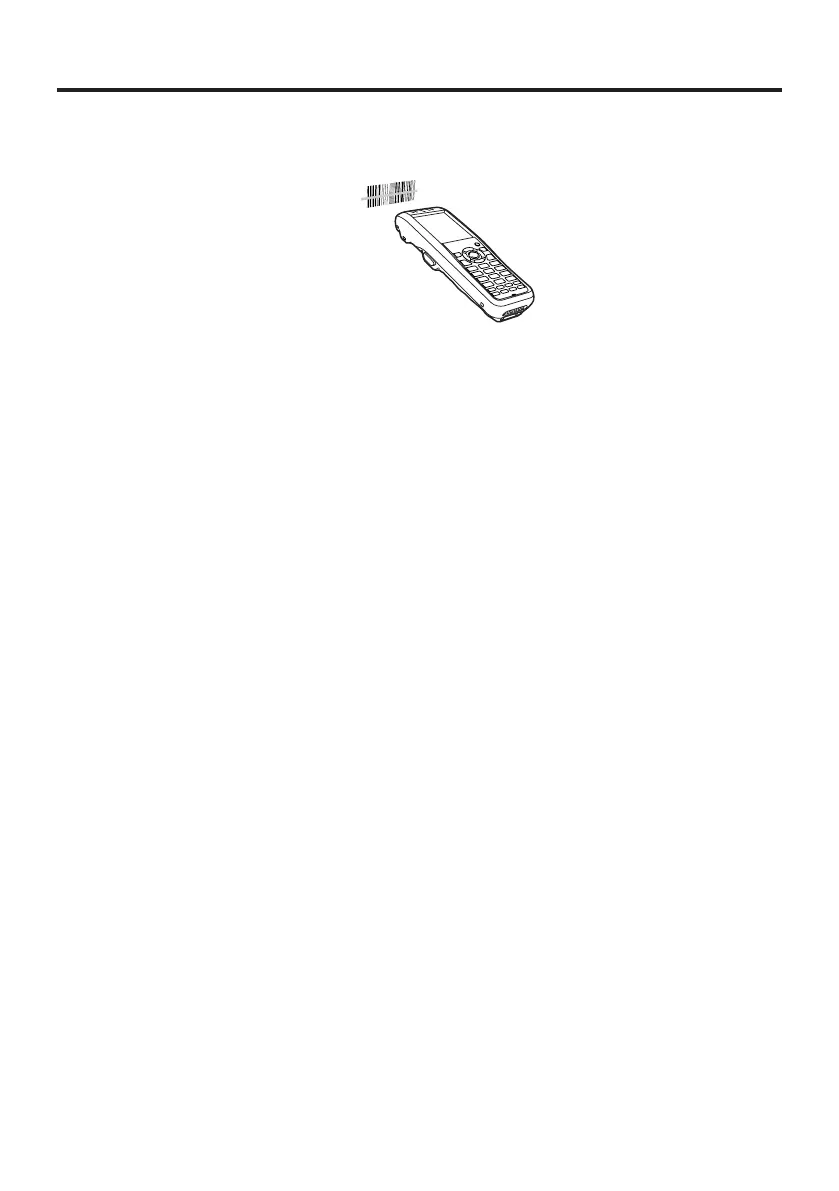
Using the Laser Scanner (Laser Models)
1. After turning on the power, position the laser scanner close to a bar code and then
press the trigger key.
2. The laser emits light and scans the bar code. If scanning is completed normally,
Indicator 2 displays a green light.
Important!
If you are unable to scan a bar code, try changing the angle at which the scanner
is held or distance from the scanner to the bar code, and then try scanning
again.
This Handheld Terminal is capable of scanning bar codes at a distance of
about 40-550 mm. Furthermore, the distance at which
scanning is possible may vary according to the bar code symbology.
•
•


 To Next Page
 Loading...











