123
Advanced Settings (REC MENU)
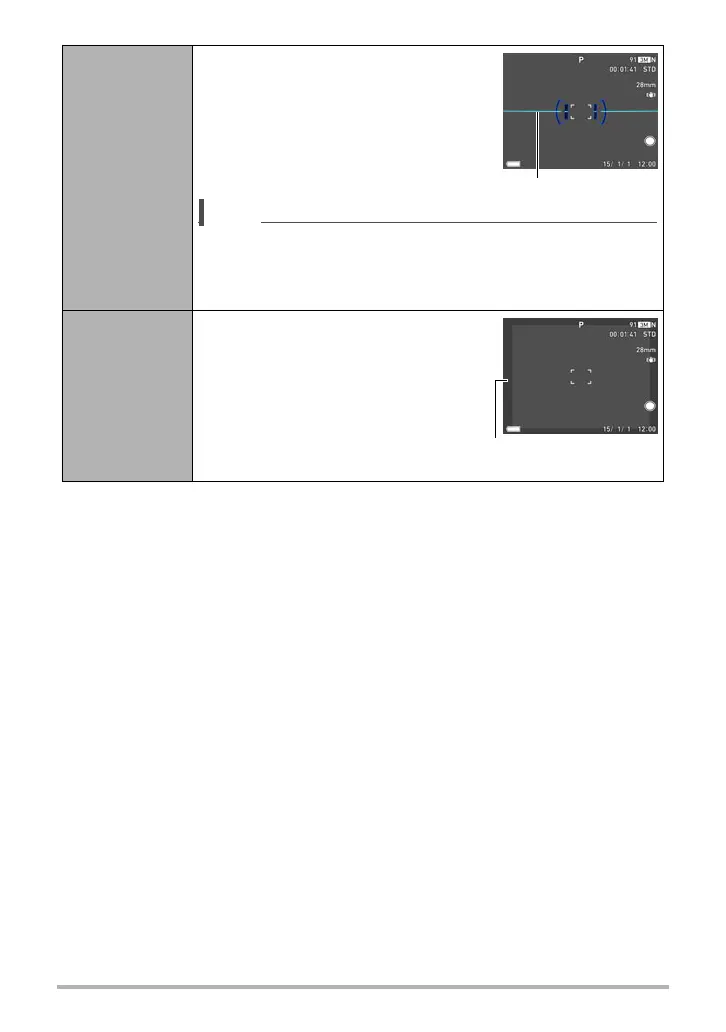
Electronic
Level
When this setting is “On”, a line on the
monitor screen shows the current left/
right and front/back tilt of the camera.
The line changes to blue when the
camera is level (no left/right and front/
back tilt).
NOTE
• The electronic level is not displayed during movie recording
and while shooting with some BEST SHOT scenes.
• Note that the electronic level has a margin of error of ±1
degree. It is intended for use as a rough guide only.
Movie Range
Selecting “On” for this setting
displays a semitransparent gray
frame on the monitor screen. The
area within the frame is what is
recorded as the movie.
Line
Semi-transparent gray
frame



 To Next Page