134
Viewing Snapshots and Movies
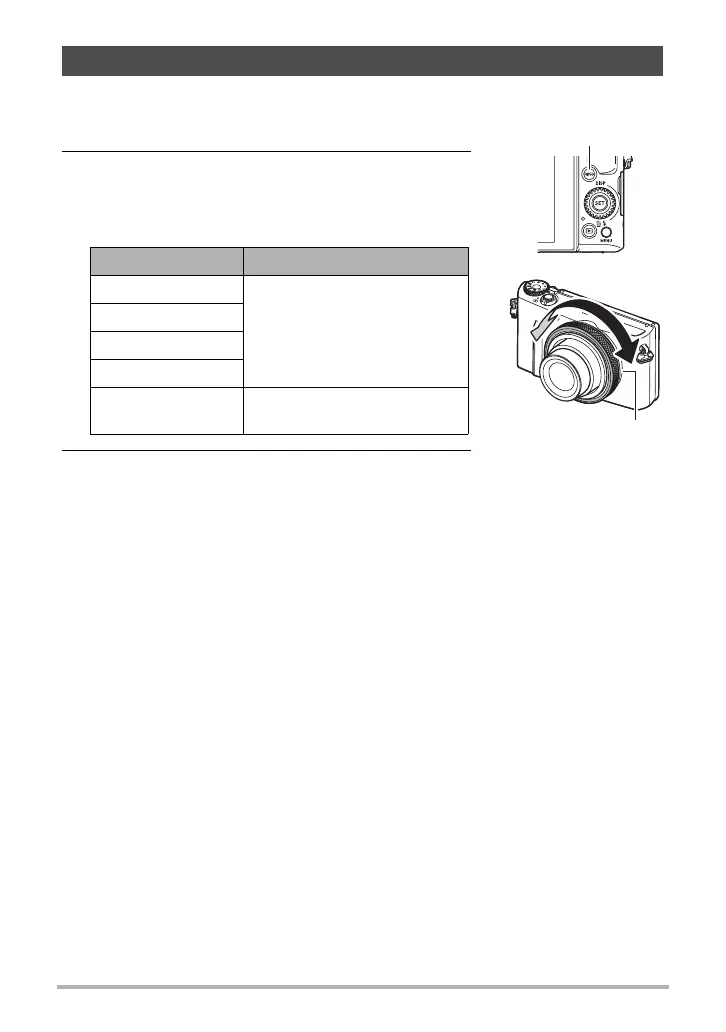
You can rotate the function ring to scroll images at high speed or by recording date.
1. In the PLAY mode, press [RING].
2. Use [8], [2], [4] and [6] to select a scroll
speed and then press [SET].
• You can also use the Function Ring to select a
scroll speed.
3. Rotate the function ring to scroll images.
Scrolling Images at High Speed or by Recording Date
Setting Description
10 images
Scrolls forward or back by the
specified number of images.
25 images
50 images
100 images
Date
Scrolls images by recording
date.
Function ring
[RING]



 To Next Page