173
Using the Camera with a Computer
Using the Camera with a Computer
You can perform the operations described below while the camera is connected to a
computer.
The procedures you need to perform are different for Windows and the Macintosh.
Things you can do using a computer...
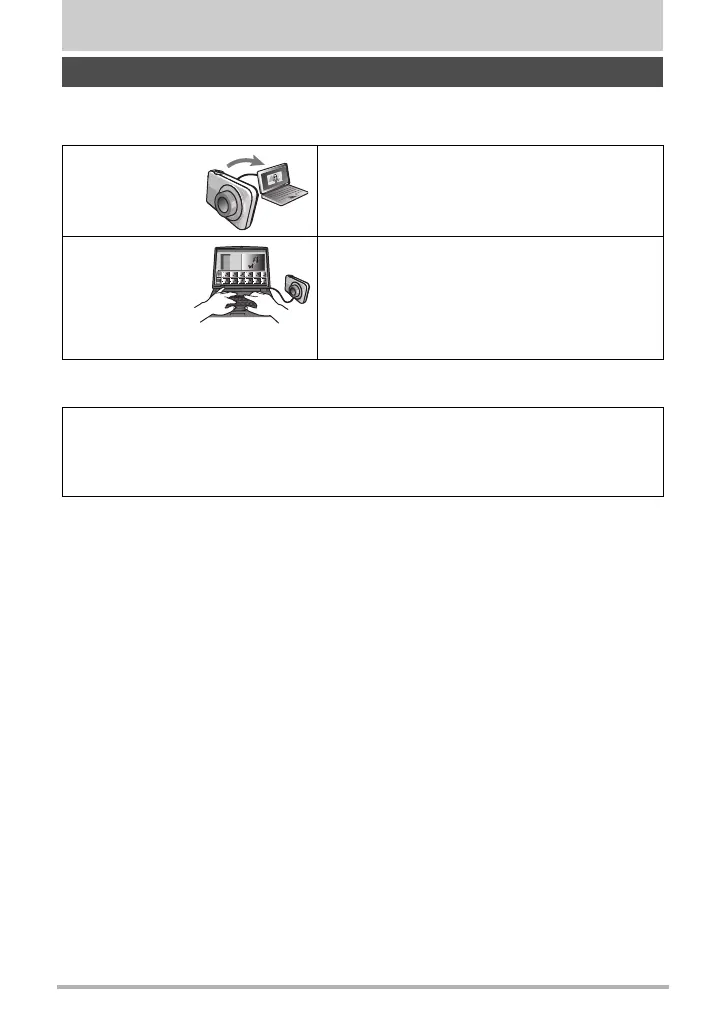
Save images to
a computer and
view them there
• Save images and view them manually (USB
connection) (pages 174, 178).
Play back and
edit movies
• You can play back movies (pages 177, 180).
To play back movies, use software that is
compatible with your computer’s operating
environment.
• To edit movies, use commercially available
software as required.
• Windows users should refer to “Using the Camera with a Windows Computer”
on page 174.
• Macintosh users should refer to “Using the Camera with a Macintosh” on page
178.


 To Next Page