128
Viewing Snapshots and Movies
Each time you shoot with continuous shutter (CS) or Intelligent Bracketing, the
camera creates a group that includes all of the images for that particular session. You
can use the following procedure to play back the images in a particular group.
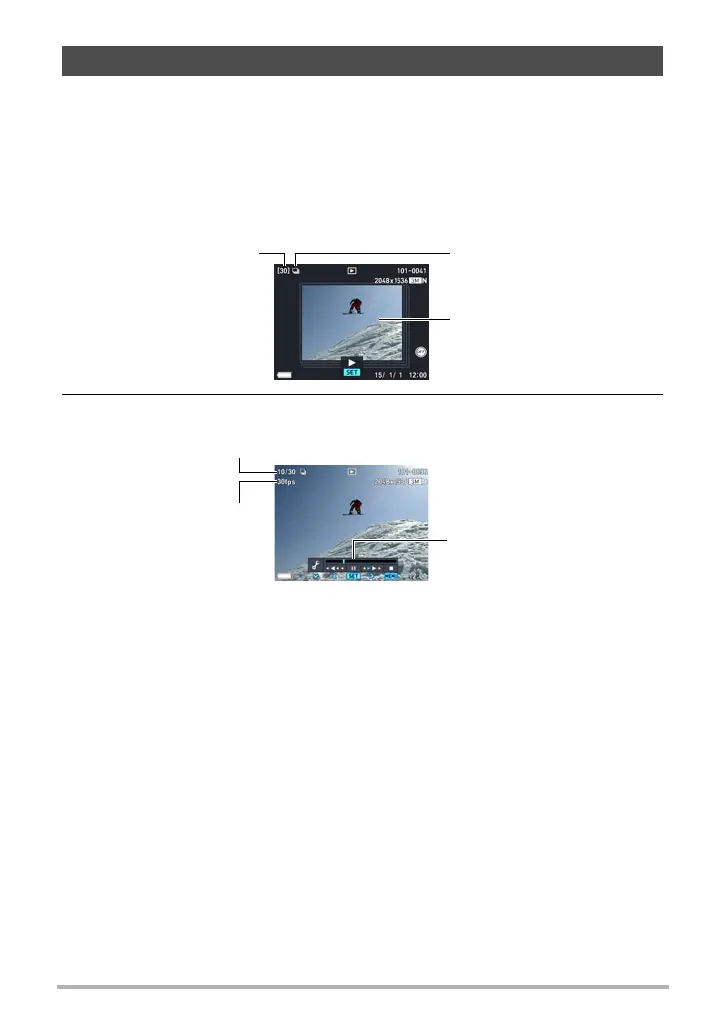
. Images Shot with the CS Mode
1. Press [p] (PLAY) and then use [4] and [6] to display the CS group
whose images you want to view.
2. Press [SET] to start playback.
Viewing Continuous Shutter Images
Number of image files
in the group
First image in the group
Group icon
Current image number/number of images in the group
CS speed*
Playback guide
* Displayed when the image was shot using “High Speed CS”.



 To Next Page