154
Establishing a Wireless LAN Connection
Establishing a Wireless LAN Connection
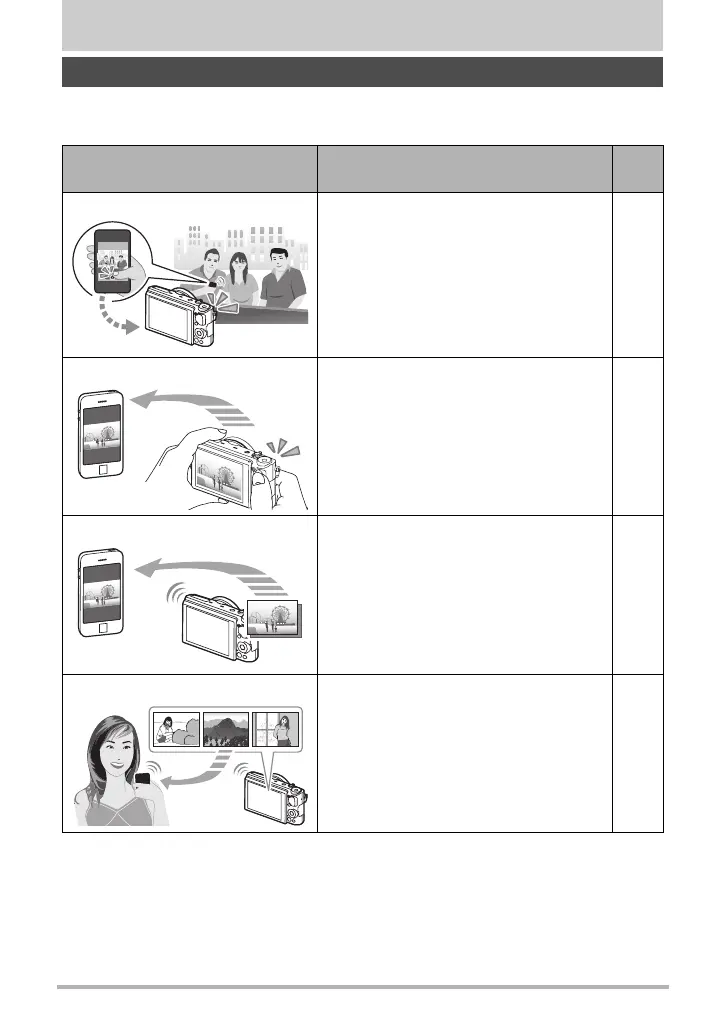
Establishing a wireless LAN connection between the camera and a smartphone
enables the functions described below.
* Requires installation of the EXILIM Remote app on your smartphone.
Wireless LAN Functions
With this function: You can do this:
See
page:
Remote Capture*
Remotely control and shoot with the
camera using a smartphone.
158
Quick Send
*
Send a snapshot displayed in the PLAY
mode to a smartphone by pressing the
camera’s front shutter button. After
sending an image to a smartphone, you
can then upload it to a social networking
service.
160
Send to phone
*
Send snapshots and movies recorded
with your camera to your smartphone.
After sending an image to a
smartphone, you can then upload it to a
social networking service.
162
View on phone
Use a smartphone or computer to view
and download snapshots and movies
stored in camera memory.
165
B



 To Next Page