39
Recording Images
Recording Images
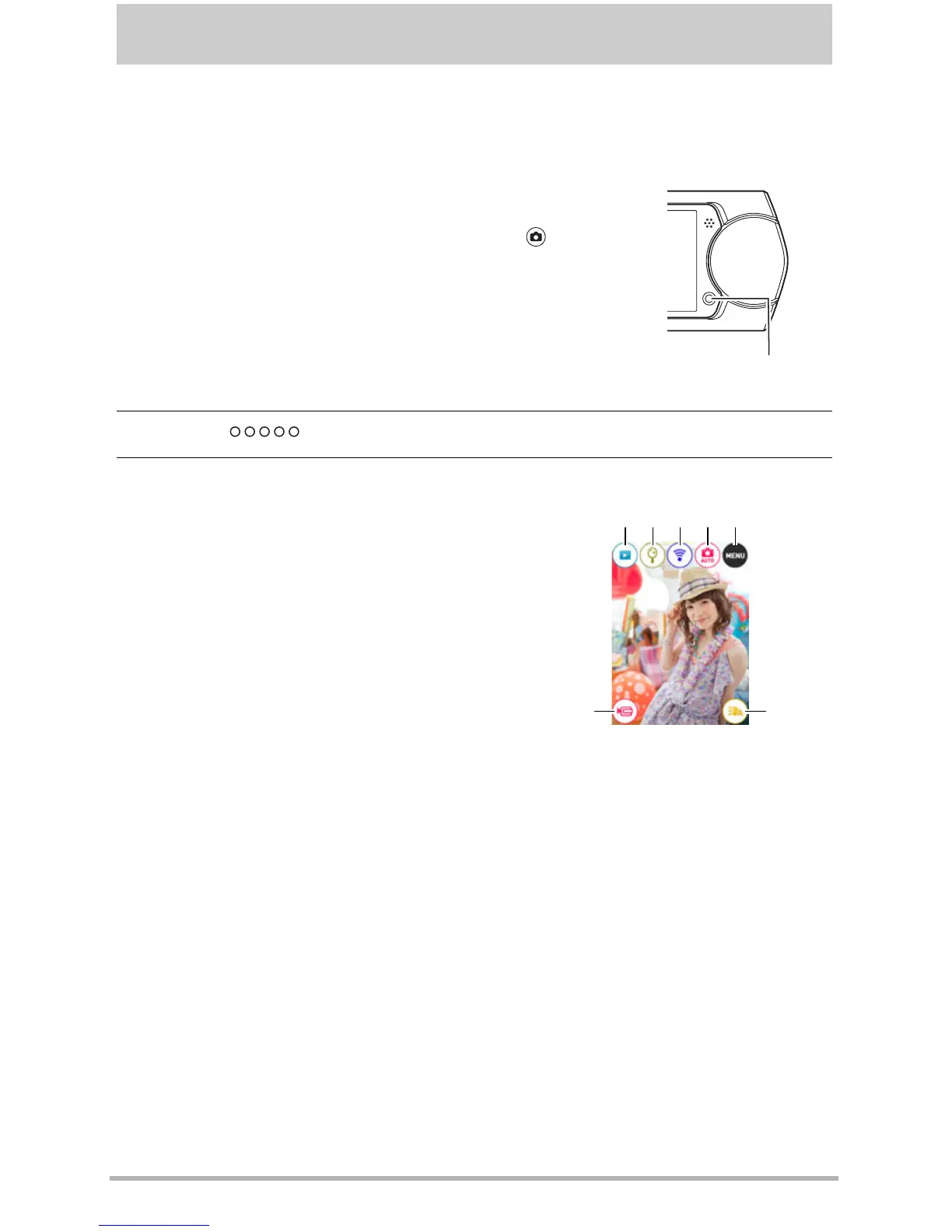
Touching the monitor screen in the REC mode will display a screen for configuring
REC mode settings.
. To configure REC mode settings
2. Touch “ ” (Show Icons).
3. Touch the item whose setting you want to change.
1. Press [p] (Power) to turn on the camera and
enter the REC mode.
• If the camera is in the PLAY mode, touch “ ” (REC)
to enter the REC mode.
1
Menu (page 58)*
2
Recording mode (page 40)
3
Wireless mode (page 86)
4
Mirror mode (page 46)
5
PLAY mode (page 31)/
Make-up (page 45)
6
Movie (page 49)
7
LED light (page 52)
* Depending on the recording mode, some of the items on the menu that
appears may not be usable.
[p] (Power)
6 7
14532



 To Next Page